

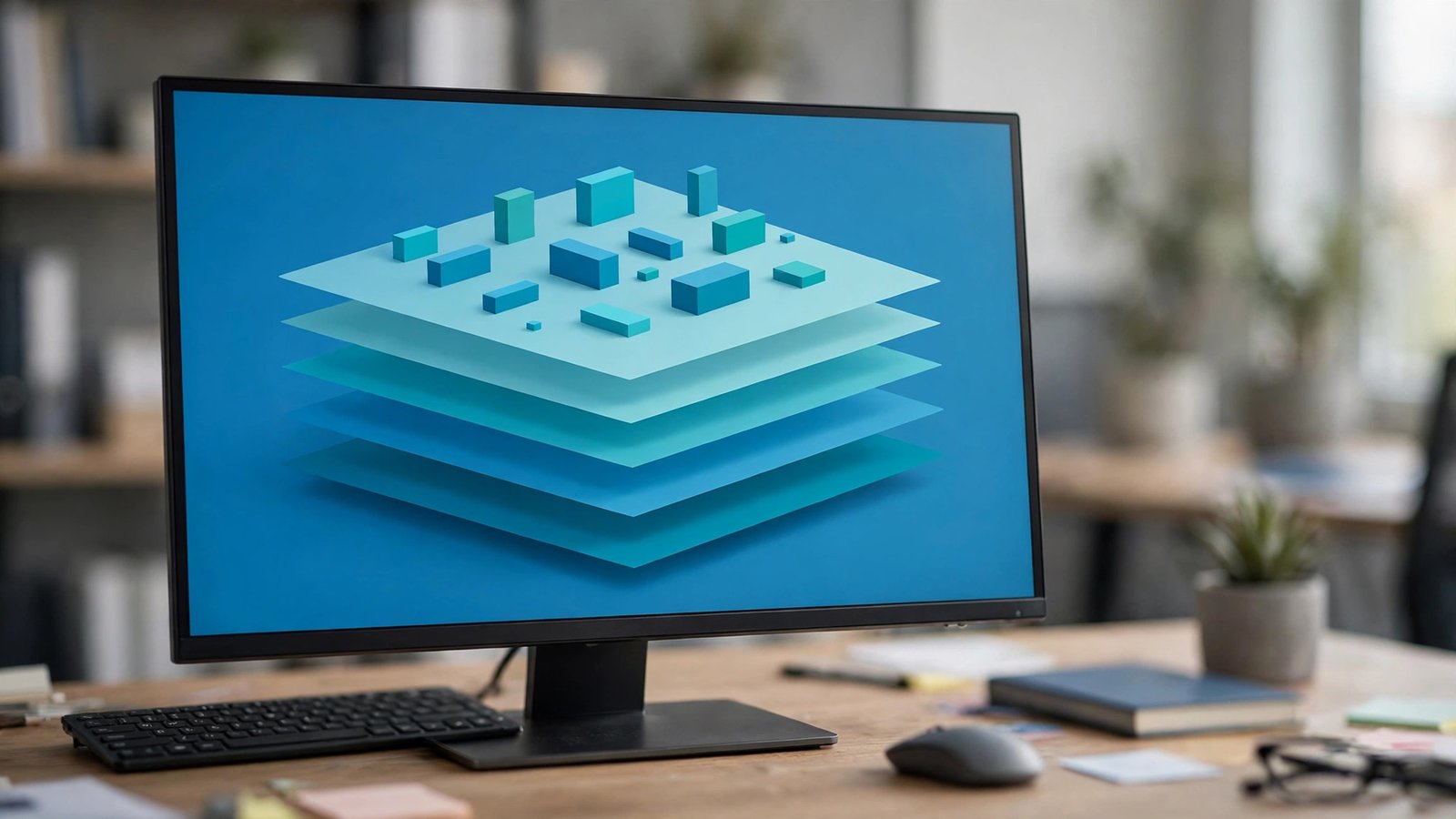
Tech articles throw the word “platform” around constantly, but few stop to explain it. So, what is a software platform? In short, it is the foundation layer — a combination of hardware, operating system, and services — on which other software is built and run. Apps do not float in thin air. Every program you use stands on a platform, the way every shop stands on a street and a power grid.
This guide explains the idea in plain language: what counts as a platform, the main types, familiar examples from your phone and workplace, and how a platform differs from a regular application.
What Is a Platform in IT?
Before narrowing down, it helps to answer the broader question: what is a platform in IT? In information technology, a platform is the environment in which software executes. At minimum it includes the hardware architecture and the operating system. In modern usage it often includes much more: libraries, development tools, cloud services, and rules that outside developers must follow.
A few everyday analogies make the idea click:
- A gaming console is a platform: the hardware, system software, and store rules that every game for that console is built against.
- A shopping mall is a business platform: it provides space, power, security, and foot traffic; individual shops do the selling.
- YouTube is a content platform: it hosts, recommends, and monetizes videos that creators supply.
In every case, the platform itself is not the final product people want. It is the base that makes other products possible. If you are newer to the fundamentals, starting with what software is and how it works will make the platform concept even clearer.
What Makes Something a Software Platform?
Not every program qualifies. A software platform usually has four traits:
- It runs other software. Programs are written to work on it, using its documented interfaces (APIs).
- It sets rules. Developers follow its standards, security policies, and approval processes — think of app store review.
- It provides shared services. Storage, payments, identity sign-in, notifications, and analytics come from the platform instead of each app rebuilding them.
- It attracts an ecosystem. The more apps and users a platform has, the more valuable it becomes for both sides — an effect called a network effect.
A simple calculator app has none of these traits; it is a product, not a platform. Android has all four, which is why phone makers, app developers, and billions of users organize around it.
The technical heart of the “runs other software” trait is the API — the documented set of requests one program can make of another. When a photo app offers “Sign in with Google,” it is using Google’s platform APIs instead of building its own account system. When a small shop’s website takes card payments, a payments platform like Stripe supplies the regulated, security-critical machinery through a few lines of code. APIs are how platforms rent out their capabilities, and learning to work with them is a core skill for modern developers.
Main Types of Software Platforms
Platforms come in several flavors, and many real products blend two or three of them:
- Operating system platforms — Windows, macOS, Linux, Android, and iOS. These are the base every desktop or mobile app is built on.
- Cloud platforms — Amazon Web Services (AWS), Microsoft Azure, and Google Cloud let companies run software on rented infrastructure instead of their own servers.
- Development platforms — frameworks and runtimes like .NET, Java, and Node.js give programmers ready-made foundations so they do not start from zero.
- Business platforms — Salesforce, SAP, and Shopify provide core services (customers, payments, storefronts) that other apps and plug-ins extend.
- Social and content platforms — Facebook, YouTube, and TikTok host what users and creators produce, and let third-party apps connect through APIs.
Our overview of the different types of softwares shows how platforms relate to the other big software categories — system software, application software, and utilities.

Platform vs Application vs Framework
These three words are cousins, and keeping them straight helps when reading any tech article:
- An application is the end product a user opens to do a task: a photo editor, a game, a bank app.
- A platform is what the application runs on and depends on: the OS, cloud, or business system underneath.
- A framework is a skeleton of reusable code that speeds up building an application for a platform — like a house frame before walls and paint.
One product can play different roles at different levels. Android is a platform for app developers, but it is also an application-like product Google builds on top of the Linux kernel. Context decides which word fits. The Wikipedia article on computing platforms goes deeper into the technical definitions and history.
The Two Sides of Every Platform
Every healthy platform serves two groups at once, and understanding both sides explains most platform news. On one side are the users, who want useful apps, fair prices, and safety. On the other side are the developers and businesses, who want access to those users plus reliable tools and payment systems.
The platform owner sits in the middle, setting the rules that keep both sides happy — and taking a fee or advantage for doing so. App stores, for example, typically charge developers a commission (commonly 15–30%) on sales in exchange for distribution, payment handling, and trust. When those fees or rules change, it makes headlines precisely because millions of livelihoods on both sides depend on them. A platform that squeezes either side too hard watches its ecosystem drift to a rival, which is why the strongest platforms compete on developer tools and user experience at the same time.
Real-World Examples You Already Use
You interact with platforms dozens of times a day:
- Your phone’s OS. Android and iOS decide which apps you can install, how they share data, and what permissions they get.
- Google Workspace and Microsoft 365. Beyond documents, both offer add-on stores and APIs — classic business platforms.
- Amazon. The marketplace is a platform for third-party sellers; AWS is a platform for software companies.
- WordPress. The software behind a large share of the world’s websites becomes a platform through its plug-in ecosystem.
Notice the pattern: in each case, the platform owner provides the foundation and rules, while thousands of outsiders provide most of the variety.

Open Platforms vs Closed Platforms
One last distinction shapes every platform debate. Open platforms publish their interfaces freely, let anyone build without asking permission, and often allow competing stores or installation methods — the traditional PC and the web are the classic examples. Closed (or “walled garden”) platforms require approval: apps are reviewed, payment must flow through the owner’s system, and the owner can remove participants.
Neither model is simply better. Openness fuels variety and lower prices but invites malware and inconsistency. Closed platforms trade freedom for polish, security, and predictable quality — at the cost of the owner’s commission and control. Most real platforms sit between the poles: Android, for instance, allows outside app stores yet runs its own reviewed store as the default. Knowing where a platform sits on this spectrum tells you a lot about the experience and the bills ahead.
Tips for Choosing a Platform for Your Business or Project
Picking a platform is a long-term commitment, so weigh these points first:
- Ecosystem size. More apps, plug-ins, and skilled freelancers mean fewer dead ends later.
- Lock-in risk. How hard would it be to move your data and workflows elsewhere? Prefer platforms with clean export options.
- Total cost. License fees are only part of it — add hosting, add-ons, and the time your team spends learning it.
- Support and longevity. A platform from a stable provider with a public roadmap is safer than a flashy newcomer.
- Integration. Check that it connects with the tools you already rely on, like your accounting or email system.
- Exit test. Before committing, export a copy of your data in a standard format. If the export is painful now, leaving later will be worse.

Frequently Asked Questions
Is Windows a software platform?
Yes. Windows is an operating system platform: it supplies the environment, drivers, and APIs that Windows applications are built and run on, and Microsoft sets the rules for its app store and security model.
What is the difference between a platform and software?
All platforms are software (often combined with hardware standards), but not all software is a platform. A platform is defined by other software being built and run on top of it; ordinary software simply performs a task for its user.
Is a website a platform?
A plain website is not. A website becomes a platform when outside users or developers build on it — uploading content, selling products, or connecting apps through APIs, as with YouTube, Etsy, or Shopify.
What is a platform in simple words?
It is a base that other things are built on. Just as a train platform is where journeys start, a software platform is where applications start: it provides the foundation, tools, and rules so developers can create programs without building everything from scratch.
Why do companies want to be a platform?
Because platforms scale. Once the foundation exists, thousands of developers and businesses add value the owner never has to build, and users stay because everything they need is in one place. That ecosystem advantage is hard for competitors to copy.
Conclusion
A software platform is the foundation layer — operating system, cloud, or business system — that other programs are built and run on, complete with shared services and rules for developers. Applications do the visible work; platforms make that work possible. Once you can spot the platform underneath the apps you use every day, tech news, product choices, and career decisions all become much easier to judge.
