

Every time you tap an app, send a message, or open a photo, something invisible does the heavy lifting. Understanding how does software work is not just for programmers. Once you grasp the basics, error messages make more sense, your devices feel less mysterious, and you can troubleshoot everyday problems with confidence.
This guide walks through the whole chain in plain English: what software is made of, how written code becomes actions, and what your phone or computer actually does in the split second after you click an icon.
What Software Actually Is
Software is a set of instructions that tells a computer what to do. Unlike hardware, which you can touch — the screen, keyboard, battery, and chips — software is intangible. It exists as data stored on a disk or in the cloud, and it only becomes useful when the hardware runs it.
If you are still building the basics, our explainer on what a software is and the main types is a good companion read. The key idea is simple: hardware provides raw capability, and software provides direction. A smartphone without software is a glass brick. Software without hardware is just text sitting in a file.
Software is usually created by programmers who write instructions in a programming language such as Python, Java, or C++. Those instructions describe, step by step, how the program should react to input, process information, and produce output.

From Human-Readable Code to Machine Instructions
There is a catch: your computer’s processor (CPU) cannot understand Python or Java directly. A CPU only understands machine code — long strings of binary numbers, ones and zeros, where each pattern means a tiny operation like “add these two numbers” or “move this value into memory.”
So how does software work across that gap? Two main translation methods bridge it:
- Compilers translate an entire program into machine code before it runs. The result is an executable file your operating system can launch directly. Languages like C++ and Rust work this way, which is part of why compiled programs tend to run fast.
- Interpreters translate code line by line while the program runs. Python is a classic example. This makes development flexible and quick to test, though usually a bit slower than compiled code.
- Hybrid approaches, used by Java and C#, compile code into an intermediate form (bytecode) that a runtime program then executes. This is how the same Java app can run on different systems.
When developers finish writing and testing code, they “build” the software: the compiler or packaging tools bundle everything into the app or program you eventually install.
Testing deserves a mention here, because it is part of how software works in practice. Before release, programs are run through thousands of checks: unit tests for small pieces of logic, and real-world testing on actual devices. No testing catches everything, which is why released software still receives updates — each update is a revised set of instructions replacing the old ones, delivered through the very system this article describes.
The Operating System: Software’s Traffic Controller
Between your apps and the hardware sits the operating system (OS) — Windows, macOS, Linux, Android, or iOS. The OS is itself software, but it plays a special role. It starts when the device boots, manages every resource, and gives other programs a safe, organized way to use the hardware.
Think of the OS as a traffic controller and translator combined. When a photo app wants to save an image, it does not talk to your storage chip directly. It asks the OS, which knows exactly how that chip works. This layer of separation, called abstraction, is why the same app can run on hundreds of different phone models.
The OS also juggles competing demands. It schedules which program gets CPU time, divides memory between apps, enforces security permissions, and draws the windows and buttons you see. Our deeper look at how system software works in a computer explains this layer in more detail.
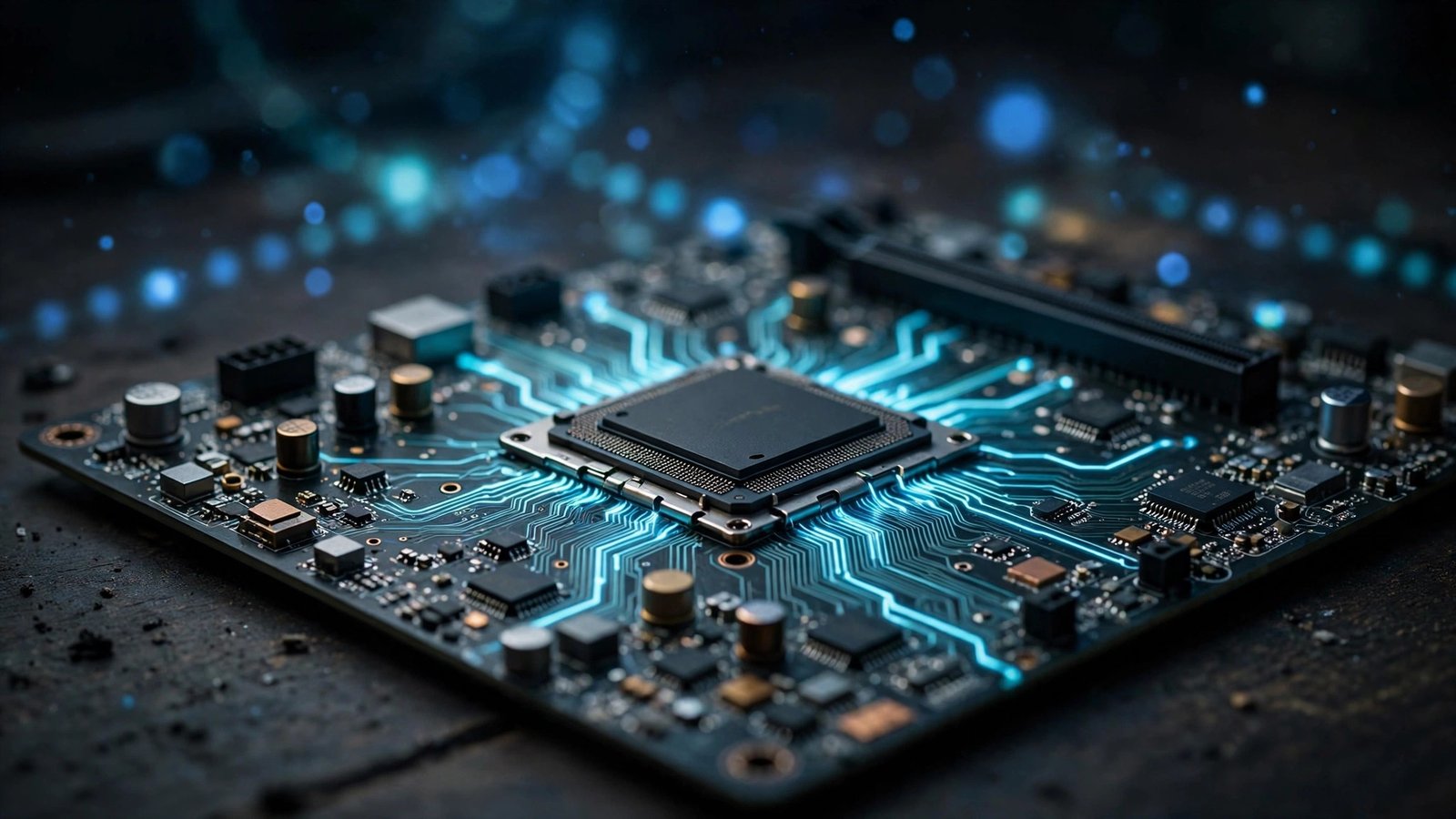
How Software Uses Memory and Storage
A running program lives in two kinds of space, and confusing them causes a lot of misunderstanding:
- Storage (SSD, hard drive, or phone storage) is the long-term home. Apps, photos, and files sit here even when the power is off. Storage is large but relatively slow.
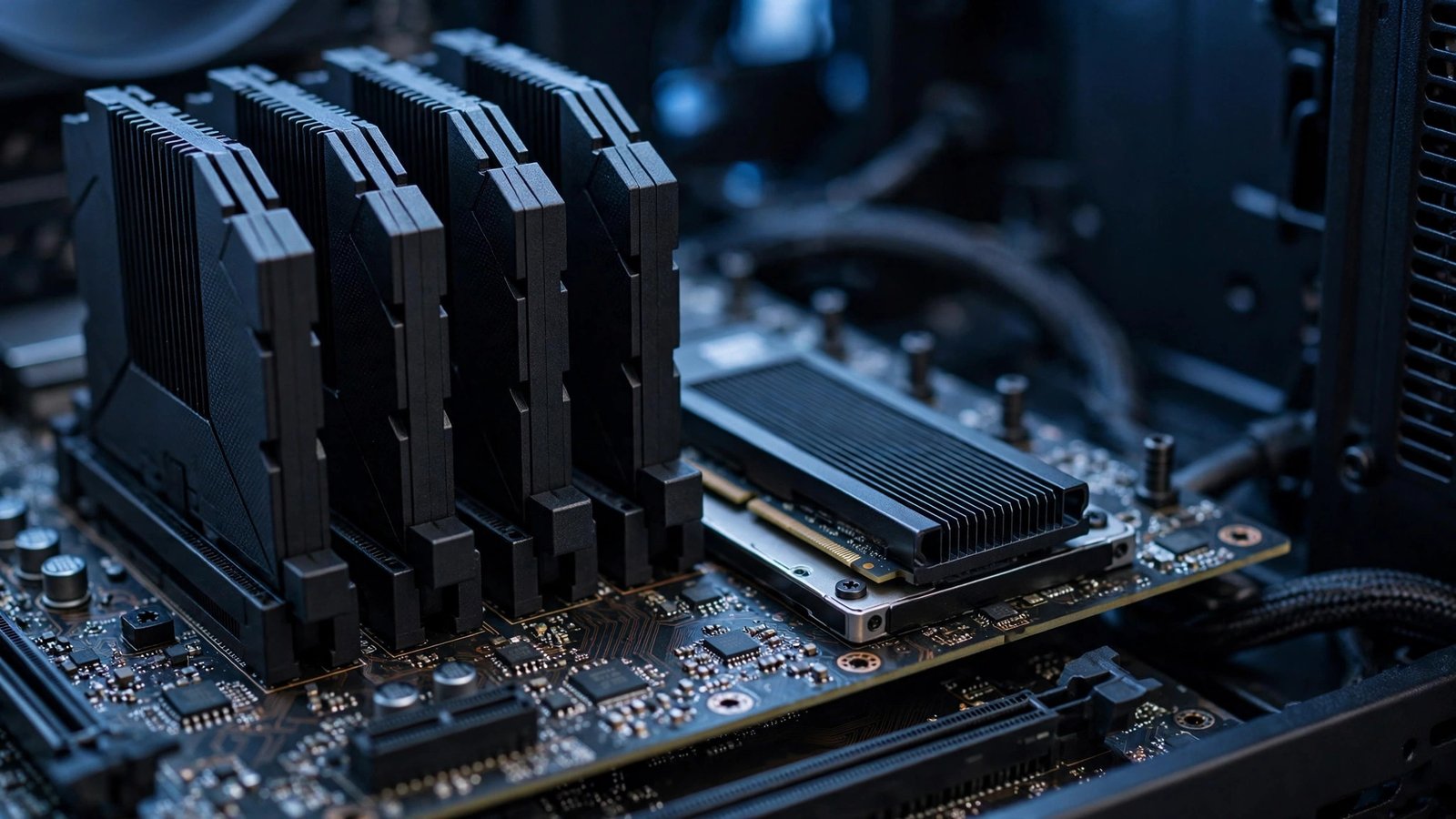
- Memory (RAM) is the short-term workspace. When you open an app, the OS copies it from storage into RAM, where the CPU can reach it thousands of times faster. Close the app and its RAM is freed for something else.
While running, software constantly fetches instructions and data from RAM, processes them, and writes results back. This fetch-decode-execute cycle happens billions of times per second. The CPU fetches an instruction, decodes what it means, executes it, and moves to the next — the heartbeat of every device you own.
Two tricks help this system cope when things get crowded. The first is the cache: a tiny amount of extremely fast memory built into the CPU itself, holding the instructions and data the processor is most likely to need next. The second is virtual memory: when RAM fills up, the OS quietly parks the least-used data on storage and swaps it back when needed. Virtual memory keeps many programs open at once, but it is also why a device with full, slow storage starts to stutter — the “extra memory” it borrows is far slower than the real thing.
How Software Talks to Hardware
Software never touches hardware directly. Three layers make the conversation possible:
- Device drivers are small, specialized programs that know the quirks of one specific piece of hardware — a printer, a graphics card, a Wi-Fi chip. The OS talks to the driver, and the driver talks to the device.
- APIs (application programming interfaces) are agreed sets of commands that let one program request services from another. A weather app uses a maps API instead of building its own maps.
- Firmware is low-level software stored on the hardware itself, like the code inside your router or printer that wakes it up and makes it manageable.
When you press “print,” your word processor hands the document to the OS, the OS hands it to the printer driver, and the driver translates it into signals the printer understands. Each layer only needs to know its neighbors.

What Happens When You Open an App, Step by Step
Here is the whole process condensed into one ordinary moment — opening a music app:
- You tap the icon. The OS notes the request and checks the app’s permissions.
- The OS loads the app’s code from storage into RAM and allocates memory for its data.
- The CPU begins executing the app’s instructions, starting with its entry point.
- The app asks the OS to draw its interface, load your playlists from storage, and prepare audio output through the sound driver.
- As you tap songs and buttons, each action becomes input the software processes according to its instructions, producing output: sound, new screens, saved preferences.
All of this happens in well under a second, and the same pattern repeats for every program on every device.
Tips to Keep Your Software Running Smoothly
You do not need to be an engineer to help software do its job well. A few habits make a real difference:
- Keep software updated. Updates patch security holes and fix bugs that cause crashes. If you are not sure how, see our guide on how to check for software updates on any device.
- Restart occasionally. A reboot clears RAM, ends stuck processes, and lets the OS start clean.
- Leave free storage space. Software needs room for temporary files and updates; a completely full drive slows everything down.
- Close what you are not using. Dozens of open apps compete for RAM and battery.
- Install from trusted sources only. Official app stores and vendor sites check software for tampering; random download sites often do not.
For a broader technical foundation, the Wikipedia article on software traces the history and formal definitions behind these ideas.
Frequently Asked Questions
Is software the same as an app?
Not exactly. “Software” is the umbrella term for all programs and their data. An app is one kind of software, designed for end users. The operating system, drivers, and utilities are also software, even though nobody calls them apps.
Can software run without an operating system?
Some can. Firmware and embedded programs in appliances often run directly on hardware, and computers load a small bootloader before the OS starts. But for phones and PCs, virtually everything you use runs with the OS managing resources underneath.
Why does software sometimes crash?
A crash usually means the program hit a situation its instructions did not handle — bad data, a missing file, a memory error, or a conflict with another program. The OS kills the faulty program to protect the rest of the system, which is why one crashed app rarely takes your whole phone down anymore.
Does software wear out over time?
Code itself does not wear out, but its environment changes: operating systems get updated, hardware ages, and security expectations rise. Unmaintained software gradually becomes incompatible or unsafe, which is why updates and maintenance matter.
What is the difference between software and hardware?
Hardware is the physical equipment — chips, screens, keyboards. Software is the stored instructions that tell the hardware what to do. You can hold hardware; you can only run software.
Conclusion
So, how does software work? People write instructions in a programming language, tools translate those instructions into machine code, the operating system loads them into memory and manages the hardware on their behalf, and the CPU executes them billions of times per second. Every tap, photo, and message rides on that chain. Once you see it, the devices in your life stop being magic boxes and start being what they really are: fast, obedient instruction-followers — and you are the one giving the orders.
