
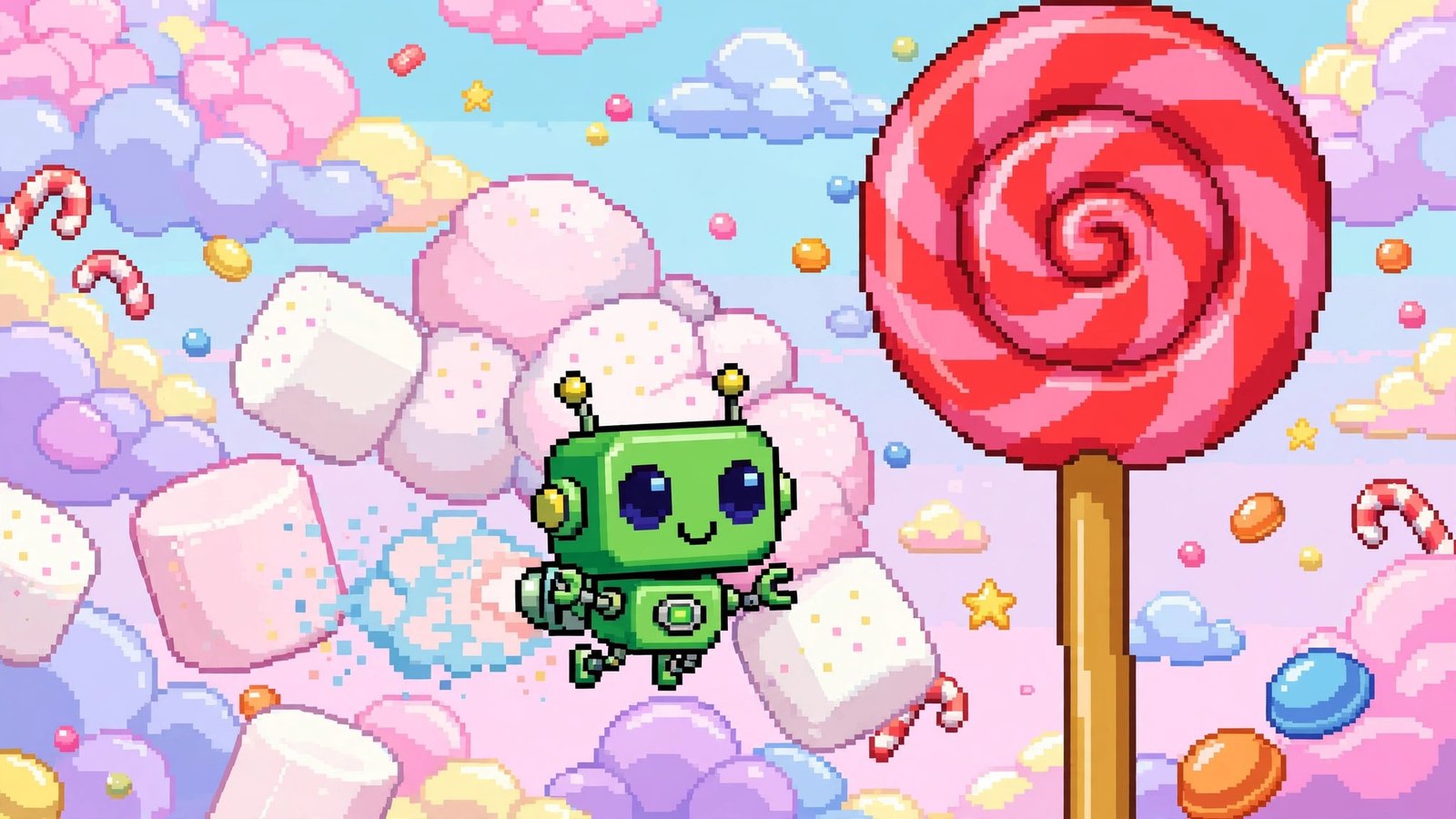
Buried inside millions of phones is a game Google never advertised, with no icon, no Play Store listing, and no instructions: a pixel-perfect clone of Flappy Bird starring the little green Android robot. The Android Flappy Bird Easter egg — nicknamed “Flappy Droid” — ships inside Android 5.0 Lollipop and Android 6.0 Marshmallow, and unlocking it takes about ten seconds once you know the secret handshake of taps.
This guide shows you exactly how to open it on both versions, how the game plays, why Google hid it there, and your options if your phone runs a newer Android version with a different Easter egg.
What Is the Android Flappy Bird Easter Egg?
An “Easter egg” in software is a hidden surprise left by developers, and Google has tucked one into every Android release since Gingerbread — the list of Google Easter eggs runs to hundreds of entries across its products. Most Android versions hide a simple animation behind the version number in Settings. Lollipop changed the game — literally — by hiding an entire playable mini-game.
The timing explains the choice. Flappy Bird, a brutally simple one-tap game by developer Dong Nguyen, became a worldwide obsession in early 2014 before Nguyen abruptly removed it from app stores at the height of its fame. When Android 5.0 Lollipop arrived later that year, its Easter egg was a loving parody: the Android robot in place of the bird, giant lollipops in place of the pipes. Marshmallow kept the game a year later, swapping the obstacles for marshmallows on sticks to match its dessert name — the version detailed in our guide to the operating system Android 6.0 Marshmallow.
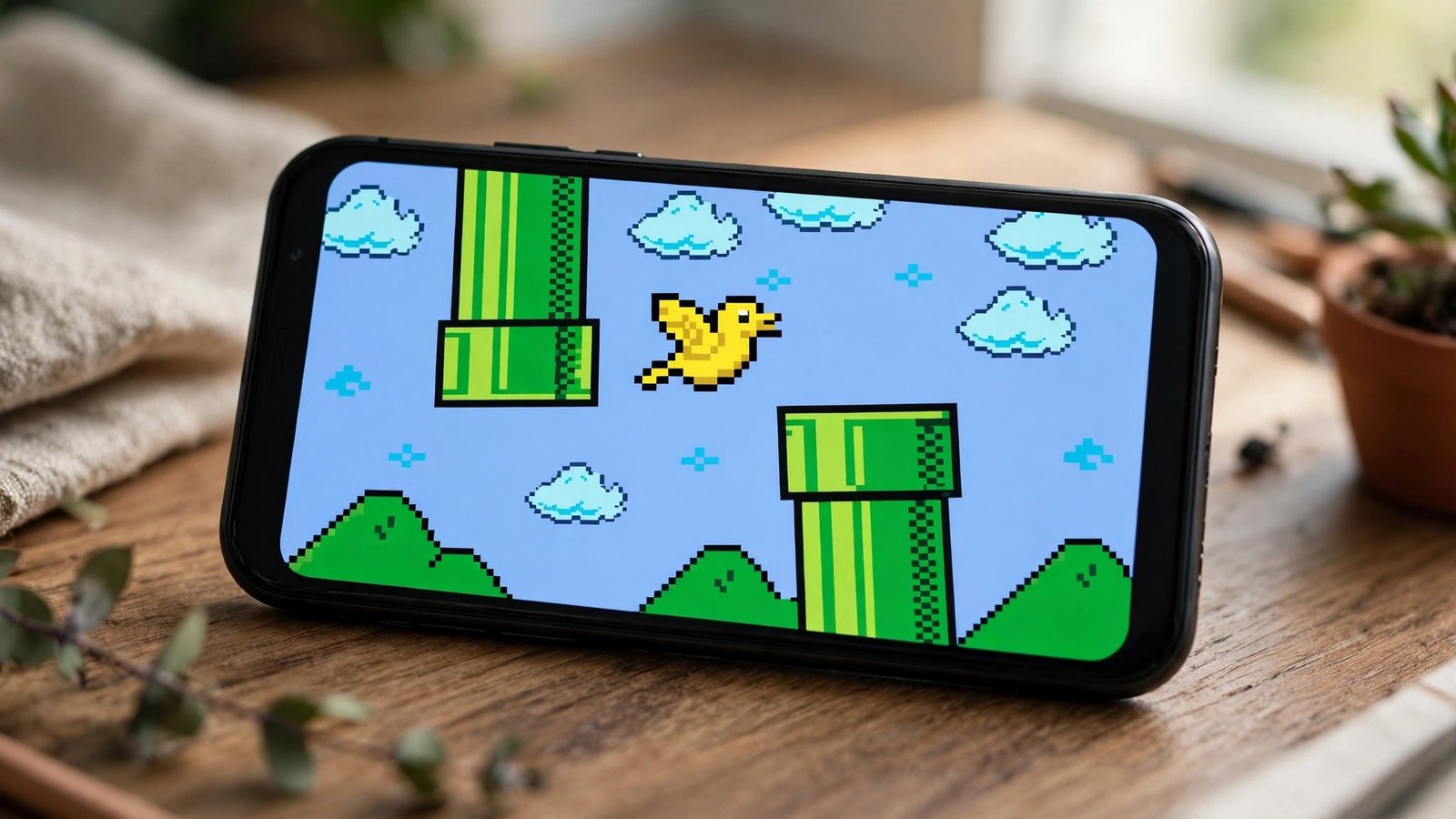
How to Open the Flappy Bird Easter Egg
The steps are identical on Lollipop and Marshmallow phones (and tablets). You will not find the game in your app drawer — it only exists behind this sequence:
- Open Settings.
- Scroll down and tap About phone (or About device on some brands).
- Find Android version and tap it repeatedly, quickly — four or five taps usually does it. A circle appears: a lollipop on Android 5.0, or a circle with an “M” on Android 6.0.
- Tap the circle a few times. On Lollipop it changes colors with each tap and settles into a lollipop graphic; on Marshmallow the “M” transforms into a marshmallow.
- Now press and hold on the graphic for a second or two, then release.
- The game launches full-screen. Tap anywhere to start flapping.
If the game does not appear, repeat steps 4–5: the long-press is the step most people miss, and on some phones it takes a couple of attempts to register. No downloads, no settings changes, and nothing on your phone is altered — the game was there all along, waiting behind the version number.
How to Play: Controls and Scoring
Flappy Droid copies the original’s design with sadistic faithfulness:
- One control. Tap anywhere on the screen and the robot flaps upward; gravity pulls it down the rest of the time. There is nothing else — no buttons, no steering.
- The goal. Thread the robot through the gaps between obstacles (lollipops in Lollipop, marshmallows on sticks in Marshmallow) without touching anything.
- Scoring. Each obstacle you pass adds one point, shown at the top. There are no levels, power-ups, or endings — the game simply gets its satisfaction from how quickly it defeats you.
- Direction quirk. Unusually, the game can scroll in either direction, so on some launches you fly right-to-left, which scrambles your muscle memory nicely.
- Marshmallow multiplayer. The Marshmallow version adds a “+” button at the top of the screen that spawns additional robots, each controlled by taps — a chaotic same-screen multiplayer mode for passing the phone around. One collision ends that robot’s run, so group sessions become comedy quickly.
Veteran players describe scores in single digits as respectable. The game is hard — every bit as unforgiving as the original that inspired it. There is also no pause and no mercy: lift the phone to your ear mid-run or fumble a tap and the attempt is simply over, which is precisely why high scores became playground currency among anyone who knew the secret. Remarkably, the whole experience — graphics, physics, and all — occupies a sliver of the system software, a reminder of how much personality Google once hid in a few kilobytes.

Why Did Google Hide a Flappy Bird Clone in Android?
Partly homage, partly tradition, partly showing off. Android’s Easter eggs had been growing more elaborate with each release — an animated zombie-art screen in Gingerbread, a flying Android Jelly Bean bean-flinging toy a few versions later — and a playable game was the natural next step. Flappy Bird’s sudden disappearance had left millions of players wanting exactly that fix, and Google’s engineers clearly shared the itch. Google even teased the hunt publicly in 2015, tweeting clues about “a different kind of Easter egg” for players to find.
Later versions retired the game in favor of new ideas: Nougat hid a cat-collecting game, and the Android Oreo software Easter egg stars a stretchy octopus. Flappy Droid remains the only fully-fledged arcade game Google ever hid in the OS, which is why it is still the most talked-about of the bunch.
Lollipop vs. Marshmallow: Two Flavors of the Same Game
The two versions are siblings, not twins. In Lollipop, the reveal animation is a lollipop that cycles through colors as you tap it, and the game sends your robot weaving between towering lollipops fixed to the ground and ceiling — essentially the original Flappy Bird’s pipes in candy colors. In Marshmallow, the “M” logo morphs into a marshmallow on reveal, and the obstacles become marshmallows speared on sticks, which read a little differently at speed and feel marginally meaner. Marshmallow also refined the presentation, alternating the scroll direction between sessions and adding the multiplayer “+” option that Lollipop lacks entirely. Neither version tracks a persistent high score between launches in any meaningful way — the chase is purely for bragging rights in the moment — and both share the same punishing physics: one touch, of anything, and the run is over. Players who mastered one can play the other instantly, which was rather the point: Google knew it had a beloved formula and simply re-skinned it with the new dessert.
Can You Still Play It on a Modern Phone?
If your phone runs Android 7 or later, the built-in Easter egg behind your version number is something else — the Flappy game is not part of newer releases. You still have a few options:
- An old phone or tablet. Any drawer device on Lollipop or Marshmallow has the genuine game a few taps away. It is a charming second life for retired hardware.
- An activity launcher. Because the old game still exists in Android’s System UI code as an activity called “Marshmallow Land,” advanced users open it with a free activity-launcher utility from the Play Store: choose “All activities,” find System UI, and launch Marshmallow Land. Availability varies by device and Android version, and Google could remove the leftover code at any time — treat it as a pleasant bonus, not a guarantee.
- Play Store clones. Countless Flappy-style games exist on the Play Store, including faithful recreations. They are not Google’s Easter egg, but they scratch the same itch on modern hardware.
Tips to Survive Longer
- Tap in a rhythm, not a panic. The robot responds best to steady, evenly spaced taps that hold a level flight line through the middle of the screen.
- Aim for the center of each gap early. Correcting at the last moment is how most runs end — set your height well before each obstacle.
- Play in short bursts. The game is designed to be maddening; frustration ruins tap timing faster than anything.
- Use a tablet if you have one. The bigger screen and larger obstacles are marginally more forgiving.
- Common mistake: tapping too high before a gap. Entering a gap while rising almost guarantees clipping the top obstacle on the way down. Glide in level.
Frequently Asked Questions
Which Android versions have the Flappy Bird Easter egg?
Android 5.0/5.1 Lollipop and Android 6.0 Marshmallow. The Lollipop version uses lollipop obstacles; Marshmallow uses marshmallows and adds the multiplayer “+” button.
Is the Easter egg game actually made by Google?
Yes. It is an official part of those Android releases, hidden by Google’s own engineers as a parody of Flappy Bird. It is sometimes called “Flappy Droid.”
Why isn’t the Easter egg working on my phone?
Usually one of three reasons: the long-press step was skipped (the most common), your phone runs a newer Android version with a different Easter egg, or your manufacturer’s settings layout puts “Android version” inside a “Software information” sub-menu — the tapping sequence itself is the same once you find it.
Does unlocking the Easter egg change or harm my phone?
No. It is a built-in feature, not a hack. It installs nothing, changes no settings, and closing the game returns you to Settings exactly as you left them.
Are there other hidden games in Android?
Each version hides something different — cats in Nougat, an octopus in Oreo, a paint palette in Android 13, and more. Chrome also hides a dinosaur runner game on its offline page. Google’s Easter egg habit is a long-running tradition.
Conclusion
The Android Flappy Bird Easter egg is a perfect little time capsule: a worldwide gaming craze, preserved inside the operating system by the people who built it, waiting behind five taps and a long-press. If you have a Lollipop or Marshmallow device anywhere in the house, dig it out and try to beat a score of ten. And if your phone is modern, its own version-number Easter egg is still worth the thirty seconds it takes to go find it.
