
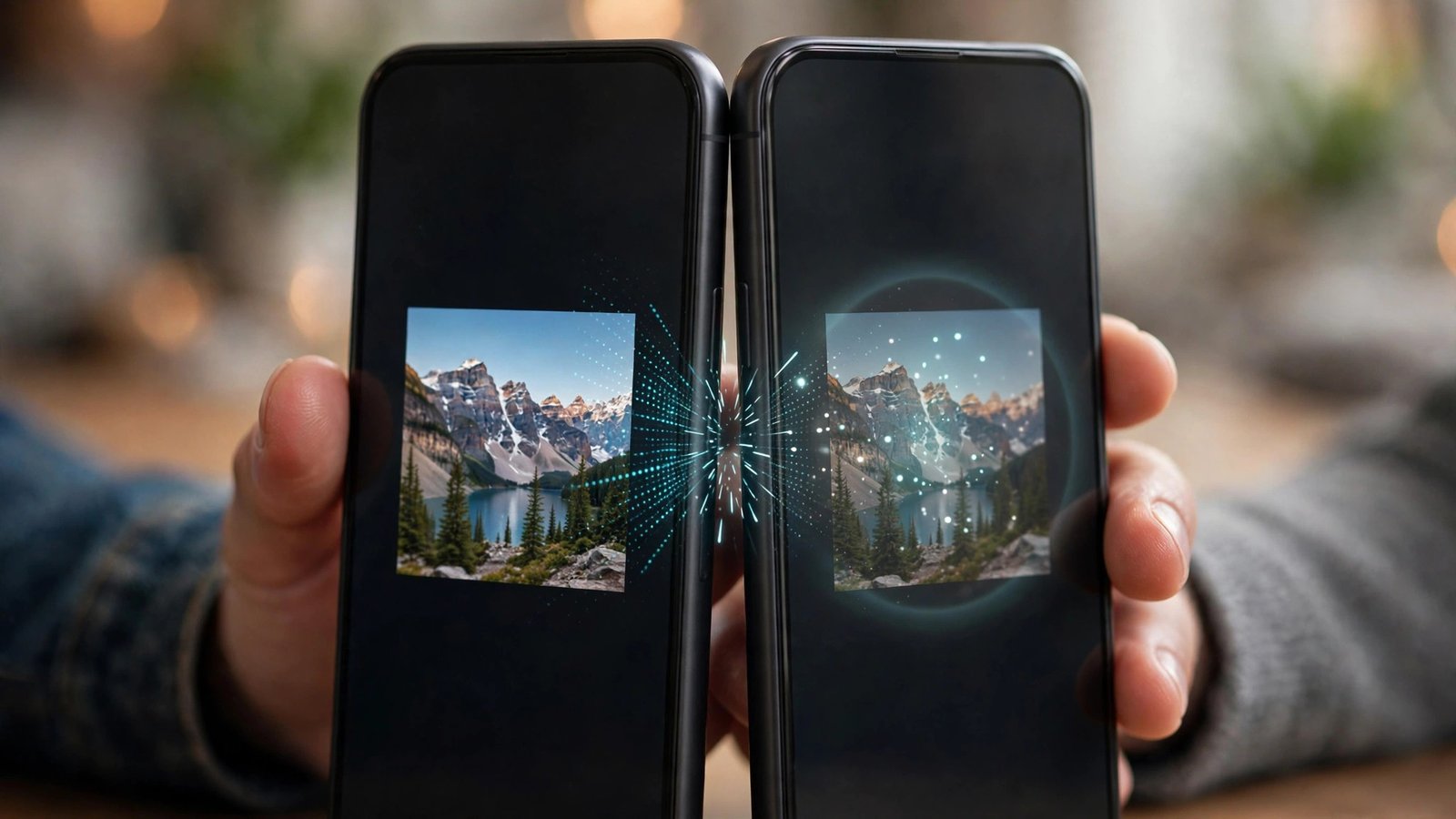
Before AirDrop-style sharing became standard, Android had a trick that felt like magic: touch two phones back to back, tap the screen, and a photo, web page, or contact would jump across. That trick was Android Beam, one of the most charming features Google ever shipped — and one of the least used. Understanding Android Beam explains a lot about how phone-to-phone sharing evolved into the faster, simpler tools you use today.
This guide covers what Android Beam was, how it worked under the hood, why Google retired it, and what replaced it on modern Android phones.
What Was Android Beam?
Android Beam was a sharing feature built into Android that let two phones exchange small pieces of content by physically touching them together. Google introduced it in October 2011 with Android 4.0 Ice Cream Sandwich, and it debuted on the Samsung-built Galaxy Nexus. For the next eight years, Beam shipped on nearly every Android phone with an NFC chip.
The idea was social as much as technical. Sharing something with the person standing next to you normally meant opening a messaging app, finding their name, and attaching a file. Beam reduced that to a gesture: open the content, touch phones, tap to send. Google has kept a concise history of the feature in the Android Beam entry on Wikipedia, including its 2011 debut and eventual retirement.
How Android Beam Worked
Beam combined two radios that did different jobs:
- NFC made the introduction. NFC (near-field communication) works over a distance of a few centimeters. When two NFC-enabled phones touched back to back, they detected each other and the sending phone displayed a “Touch to beam” prompt that shrank the content on screen.
- A tap confirmed the send. Tapping the screen approved the transfer, so nothing could be sent to your phone by surprise just because someone held a phone near yours.
- The payload either rode NFC or handed off to Bluetooth. Tiny items — a web link, a contact card, a map location, a YouTube video — could travel over NFC itself or simply open on the other phone. Larger files like photos and videos were handed off to a Bluetooth connection that Beam set up automatically, then quietly tore down when the transfer finished.
Both phones needed NFC switched on, screens unlocked, and the feature enabled in settings (typically under Settings > Connected devices or the NFC menu, varying by brand). Beam arrived just before the era covered in our Android Jelly Bean retrospective, and it remained a standard setting through the decade.
What Could You Beam?
Beam worked with more than files. Apps could declare what they wanted to share, so the experience depended on what was on your screen:
- Web pages opened directly in the other phone’s browser.
- Contacts transferred from the People/Contacts app as full cards.
- Directions and locations from Maps opened at the same spot on the receiving phone.
- YouTube videos arrived already playing.
- Photos and videos moved over the Bluetooth handoff.
- Apps beamed a link to the app’s Play Store page, so the other person could install the same app and pick up where you left off.
That last behavior captured Beam’s philosophy: it transferred context, not just data. It was less a file tool than a way of saying “look at what I’m looking at.”
Was Android Beam Secure?
Mostly, yes — and its security came from physics and one smart design decision. NFC’s range of a few centimeters meant an attacker would have to press a device against your phone to initiate anything; there was no way to beam something to a stranger across a room. More importantly, Beam never transferred anything silently. The sending phone demanded a deliberate tap on the “Touch to beam” screen, so content only left your phone when you explicitly approved it, and the receiving phone displayed what had arrived rather than executing it invisibly.
Beam did have limits worth knowing. It offered no meaningful encryption story for the Bluetooth handoff, and anyone could receive a beamed link or contact without verifying who sent it — a beamed web address deserved the same skepticism as a link from a stranger anywhere else. Still, compared with the always-discoverable Bluetooth pairing of the era, the tap-to-confirm model was genuinely thoughtful, and the same approve-before-receiving principle lives on in Quick Share’s accept/decline prompt today.
S Beam: Samsung’s Faster Cousin
Samsung liked the concept but not Bluetooth’s slow transfer speeds. On the Galaxy S III and later Galaxy phones, it shipped S Beam, a variant that used NFC for the introduction but handed the actual transfer to Wi-Fi Direct instead. Photos and videos crossed far faster than standard Beam allowed. The trade-off was compatibility: S Beam only worked its magic between Samsung devices, while standard Android Beam worked across brands. Both features are gone from modern phones, but S Beam was an early hint that the tap was beloved and the transfer technology was the bottleneck.
Why Did Google Remove Android Beam?
Google deprecated Android Beam with the release of Android 10 in September 2019, and it disappeared from new devices after that. The reasons were practical:
- Almost nobody used it. Google acknowledged usage was low. Beam was buried in settings, most owners never knew it existed, and nothing on the phone ever suggested trying it.
- Sharing habits had moved on. By the mid-2010s, anything you would hand to a nearby friend was already in a chat app, where the send button worked at any distance, across platforms, without both people owning Android phones with NFC on.
- The gesture was fiddly. NFC antenna placement differed by model, so users had to slide phones around hunting for the sweet spot — charming exactly once, annoying every time after.
What Replaced It: Nearby Share and Quick Share
Google’s answer was Nearby Share, launched in August 2020 and delivered through Google Play services to phones running Android 6.0 and up — no OS update required. Nearby Share keeps Beam’s spirit (share with the person beside you) but removes the touching: it finds nearby devices using Bluetooth and location, then transfers over the fastest available path, including Wi-Fi Direct and peer-to-peer Wi-Fi, so large videos move in seconds. It lives in the share sheet and as a Quick Settings tile.
In 2024, Google and Samsung unified their systems under Samsung’s Quick Share name, so nearly all modern Android phones now share the same nearby-sharing system, and it also works with Chromebooks and Windows PCs. If Beam’s job was sending a video to a friend, the modern way is the share sheet’s Quick Share option — the same workflow we describe in our guide on how to send a video with Android.
Android Beam vs. AirDrop: Why One Survived
Beam is often compared with Apple’s AirDrop, which launched the same year, 2011 — but the two made opposite design choices that explain their different fates. AirDrop worked over Wi-Fi at a distance of several meters, appeared automatically in the share sheet, and transferred files fast enough for videos. Beam required physical contact, hid in settings, and handed most content to slow Bluetooth. Apple also made AirDrop discoverable: iPhone users stumbled onto it in the share menu and Control Center. Google never gave Beam that kind of visibility, so most owners simply never learned it existed.
The lesson showed up in Beam’s replacement. Nearby Share — and today’s unified Quick Share — copies AirDrop’s winning formula almost point for point: distance instead of touch, share-sheet placement, Wi-Fi speeds, and availability delivered through an app update rather than a new phone. Beam walked so Quick Share could run.
Tips If You Still Have a Phone with Android Beam
Old phones running Android 9 or earlier may still list Android Beam in settings. To use it: enable NFC and Android Beam on both phones, unlock both screens, open the content, and hold the devices back to back until you feel a vibration and see the “Touch to beam” prompt. Keep expectations modest — Bluetooth transfers are slow, and Beam cannot talk to modern phones that no longer include it. For a drawer phone kept as a media player or spare, you will get more mileage from the other tricks in our Android tips and tricks roundup.
Frequently Asked Questions
Does Android Beam still work in 2026?
Only between older phones running Android 9 or earlier that both have the feature. Android 10 removed it in 2019, and no modern phone includes it. Use Quick Share instead.
What is the difference between Android Beam and NFC?
NFC is the short-range radio technology. Android Beam was a feature that used NFC (plus a Bluetooth handoff) to share content between phones. Your phone’s NFC still works today for contactless payments and transit cards — only the Beam sharing feature was retired.
Why won’t my phones detect each other with Beam?
Usually because one phone is running Android 10 or later, NFC is off on one device, a thick case is blocking the antennas, or the screens were locked. All four were common frustrations even in Beam’s heyday.
What is the closest modern equivalent to Android Beam?
Quick Share (formerly Nearby Share) on Android, which shares files with nearby phones, Chromebooks, and Windows PCs without physical contact. Apple’s equivalent is AirDrop.
Did the iPhone ever support Android Beam?
No. iPhones have NFC, but Apple never supported Beam; cross-platform nearby sharing between Android and iPhone has historically meant using a messaging app, email, or a cloud link.
Conclusion
Android Beam was a delightful idea from Android’s experimental years: sharing reduced to a tap between two phones. Low usage, finicky antennas, and the rise of chat-based sharing ended its run in 2019, but its DNA lives on in Quick Share, which does the same job faster and without the back-to-back dance. If you remember beaming a photo to a friend’s Galaxy Nexus, you were using a feature that was simply ahead of its infrastructure.
