
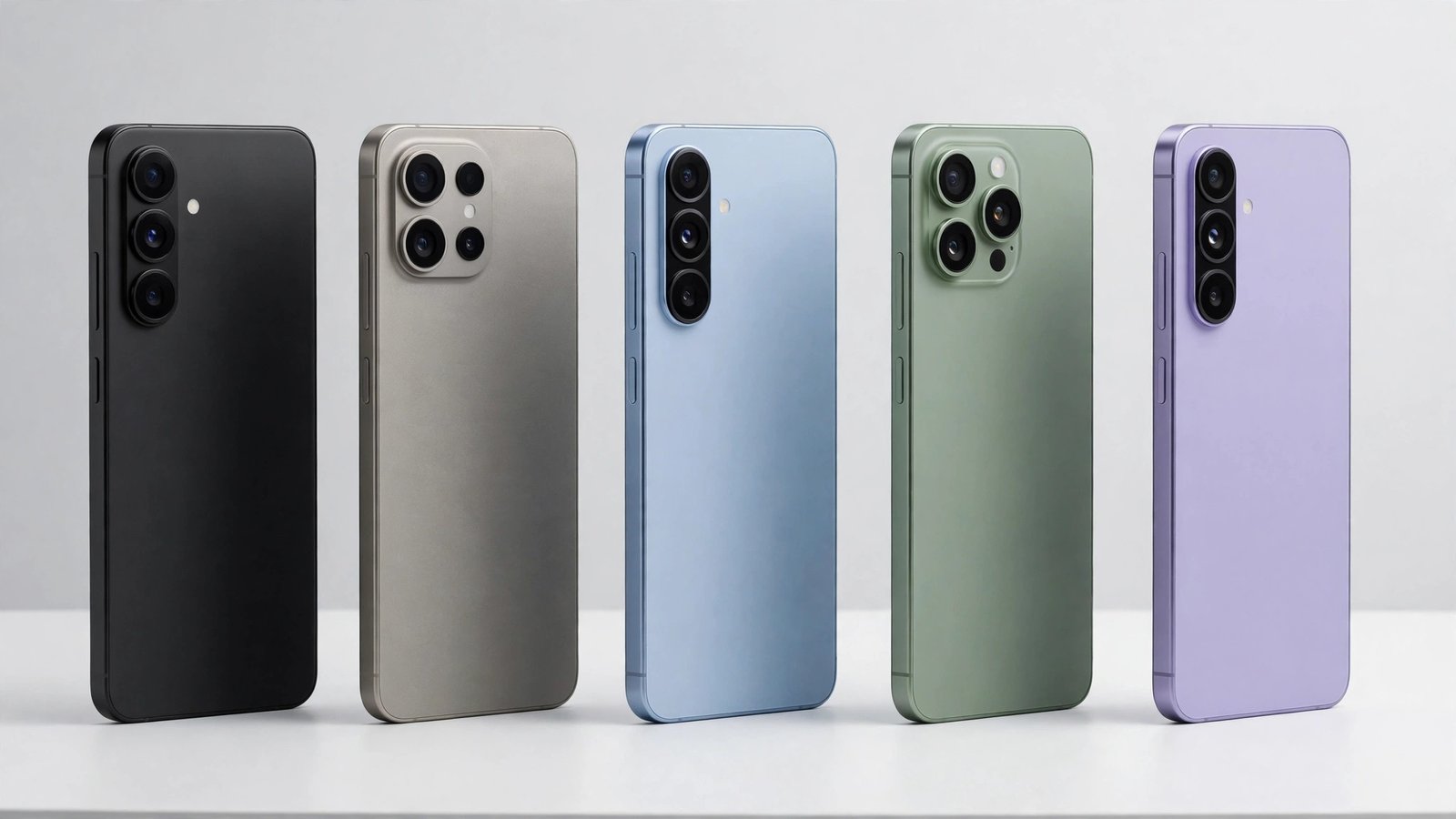
Ask ten people for recommended Android phones and you will get ten different lists — because the right phone depends on your budget, your carrier, and whether you care more about cameras, battery life, or years of software support. The good news is that Android’s current lineup is strong at every price point, and a few models stand clearly above the rest.
This guide walks through our top recommendations by category, then looks at two smart ways to save money: last year’s flagships and older models that originally shipped with Android 13. By the end, you should know exactly which shortlist fits your wallet.
How We Chose These Recommended Android Phones
Every pick below was judged on the same criteria:
- Software support. Years of promised OS and security updates matter more than ever. A phone that receives updates for seven years is a fundamentally better buy than one abandoned after two.
- Camera quality in real use. Not megapixel counts, but consistent, reliable photos in mixed light.
- Battery life and charging. A full day of heavy use is the bar for flagships; fast charging is a real bonus.
- Display and build. Bright screens you can read outdoors, and construction that survives daily life.
- Value. What you get for the typical selling price — not just the launch price, since Android phones are discounted frequently.
If a phone is new to you, Google’s own overview of the platform at android.com is a helpful orientation before you dive into specific models.

Best Overall: Samsung Galaxy S26 Ultra
For buyers who want the most complete Android phone available, the Galaxy S26 Ultra is the consensus pick of most reviewers. It pairs a huge, bright display with the most versatile camera system on any Android phone, an integrated S Pen stylus, and Samsung’s promise of seven years of updates. It is also the phone most likely to be discounted by carriers, so the typical street price is often well below the launch price of around $1,300.
Choose the Ultra if you want one device that does everything — productivity, photography, gaming — and you plan to keep it for four or five years. Skip it if you prefer smaller phones, because it is unapologetically big.
Best for Most People: Google Pixel 10
The Pixel 10 is the Android phone we suggest to friends and family. It costs far less than the Ultra (it launched at $799 and is frequently on sale), yet it delivers the cleanest software experience on Android, excellent cameras with Google’s computational photography, and helpful AI features through Gemini. Because it is a Google phone, it also receives new Android versions first — owners were at the front of the line for the Android 16 download and its successors.
The Pixel 10 Pro and Pro XL add a dedicated telephoto zoom and larger displays for those who want more, and Google’s newer Pixel 11 series has since taken over the very top of the Pixel range. For most buyers, though, the standard Pixel 10 remains the sweet spot of price and capability.
Best Budget Pick: Google Pixel 10a
You no longer need to spend flagship money to get a phone that feels fast and takes great photos. The Pixel 10a, typically priced under $500, keeps the essentials: a bright OLED screen, the same well-regarded Pixel camera experience, and the same long update commitment as its pricier siblings. It is also a favorite first phone for teenagers and a sensible upgrade for anyone coming from a four- or five-year-old device.
Motorola’s Moto G series and Samsung’s Galaxy A series are credible alternatives in this range, especially when discounted, but the Pixel 10a’s software support and camera put it at the top of the budget list.
Best Foldable: Samsung Galaxy Z Fold 7
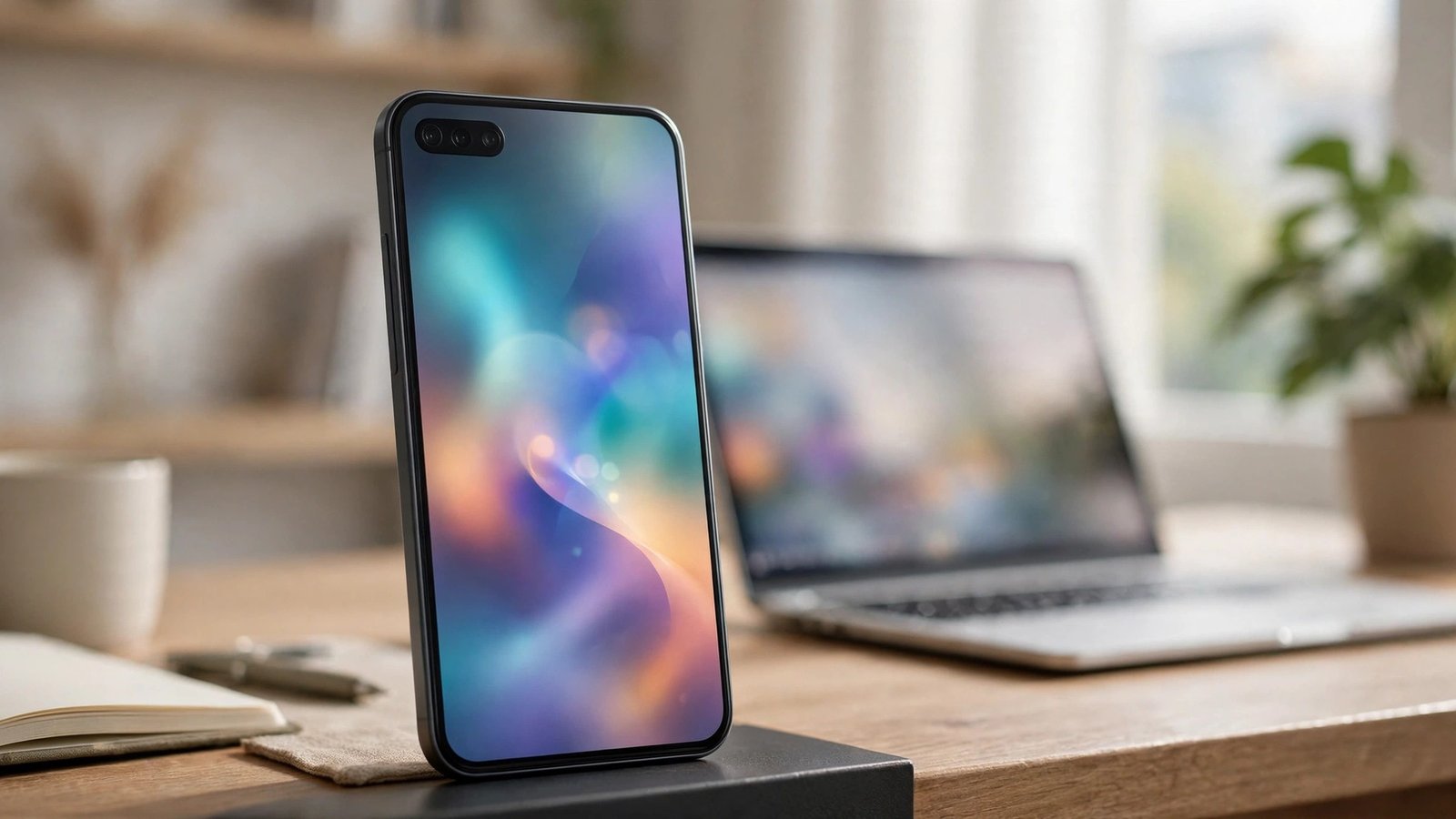
If you want a phone that unfolds into a small tablet, the Galaxy Z Fold 7 is the one to beat. It is noticeably thinner and lighter than earlier Folds, multitasking on the big inner screen is genuinely useful for email, documents, and split-screen apps, and the cover screen now works like a normal phone when closed. Foldables still cost more than conventional flagships — expect to pay a premium — and they reward careful handling, but the Fold 7 is the first in the line that feels like a safe recommendation rather than an experiment.
Load whichever phone you choose with the best Android apps of 2026 and it will feel complete from day one.
Worth a Look: OnePlus and Motorola
Two brands deserve an honorable mention. OnePlus flagships — the OnePlus 15 is the current model — undercut Samsung and Google on price while offering very fast charging, smooth high-refresh displays, and clean software; they are the enthusiast’s value pick. Motorola splits its strength between the foldable Razr line, which brings flip phones in at prices Samsung does not match, and the Moto G family, which remains a staple recommendation for anyone spending $200–$300. Neither brand matches the seven-year update commitments of Samsung’s and Google’s flagships across their whole range, so check the support policy for the specific model before you buy.
Best for Gaming: Asus ROG Phone 9 Pro
Most flagships play games well, but the ROG Phone 9 Pro is built for nothing else: shoulder trigger buttons, an advanced cooling system, a huge battery that endurance tests consistently rank at or near the top of all phones, and a screen optimized for high frame rates. It is bulky and its cameras are merely good, but for dedicated mobile gamers it is the easy recommendation.
Android Phones 2024: Last Year’s Models Are Today’s Best Deals
Some of the smartest buys right now are Android phones 2024 buyers originally paid full price for. The Galaxy S24 series, Pixel 9 series, and OnePlus 12 launched in 2024 with excellent hardware, and because newer models have replaced them, they now sell at deep discounts — or in mint condition on the refurbished market for less than a new mid-range phone.
What makes 2024 models especially attractive is software support. Samsung and Google both committed to seven years of updates for their 2024 flagships, so a discounted Galaxy S24 or Pixel 9 bought today still has years of Android versions and security patches ahead of it. When you compare, check the remaining support window, buy from a seller with a real return policy, and favor models with at least 85–90 percent battery health if you are shopping refurbished.
Should You Buy an Android 13 Phone Today?
An Android 13 phone — one that launched running Android 13, like the Pixel 7 series, Galaxy S23 series, or OnePlus 11 — can still make sense in the right situation. These were excellent phones, and most of them did not stay on Android 13 for long: the S23 and Pixel 7 families received several major updates after launch, so a used unit today is probably running a much newer version than the one on its box.
The catch is the update clock. A phone’s support window runs from its launch date, not from when you buy it, and Android 13-era devices have fewer years left. Before buying one:
- Check how long the manufacturer promises to support that exact model.
- Confirm the phone has already been updated to the latest version available for it (our guide to voice assistants on Android is a good reminder of how much the software experience has evolved since).
- Treat it as a budget or backup phone, not a five-year daily driver.
At the right price — typically well under $300 for a clean used unit — an Android 13-era flagship is still smoother and better built than many brand-new budget phones.
Mistakes to Avoid When Buying
- Buying on launch-day price alone. Android phones, especially Samsung’s, are discounted within weeks. Patience pays.
- Ignoring the update policy. A cheap phone with two years of support can cost more over time than a pricier phone supported for seven.
- Overbuying storage you can’t change. Most Android phones dropped microSD slots; buy the storage you will actually need.
- Skipping the return window check. Screen size and camera style are personal — buy from somewhere that lets you change your mind.

Frequently Asked Questions
Which Android phone brand is most recommended overall?
Samsung and Google lead most recommendation lists: Samsung for hardware variety and features, Google for software, cameras, and fast updates. OnePlus and Motorola are strong alternatives, especially on sale.
How long should a good Android phone last?
With current update policies, a flagship from Samsung or Google can comfortably last five to seven years. Budget phones typically remain pleasant for three to four years.
Are foldable phones worth recommending yet?
For people who will actually use the big screen for reading, multitasking, or media, yes. Everyone else gets better value from a conventional flagship.
Is a refurbished phone a smart buy?
Yes, if it comes from a reputable seller with a warranty and a stated battery-health standard. Last year’s flagships refurbished are among the best values in phones.
When is the best time of year to buy an Android phone?
Around major launches (when the previous model gets discounted), during Black Friday and Prime Day sales, and whenever carriers run trade-in promotions. Android flagship prices rarely stay at launch levels for long.
Do these phones work on all US carriers?
Unlocked models from Samsung, Google, and Motorola support all major US carriers. Always confirm band support for your specific carrier before buying, especially with imported models.
Conclusion
The recommended Android phones right now share a theme: long software support, dependable cameras, and prices that reward smart timing. Buy the Galaxy S26 Ultra for the best of everything, the Pixel 10 for the best balance, the Pixel 10a on a budget — and seriously consider a discounted 2024 flagship before paying full price for anything. Choose based on how long you keep your phones, and you will not go far wrong.
