
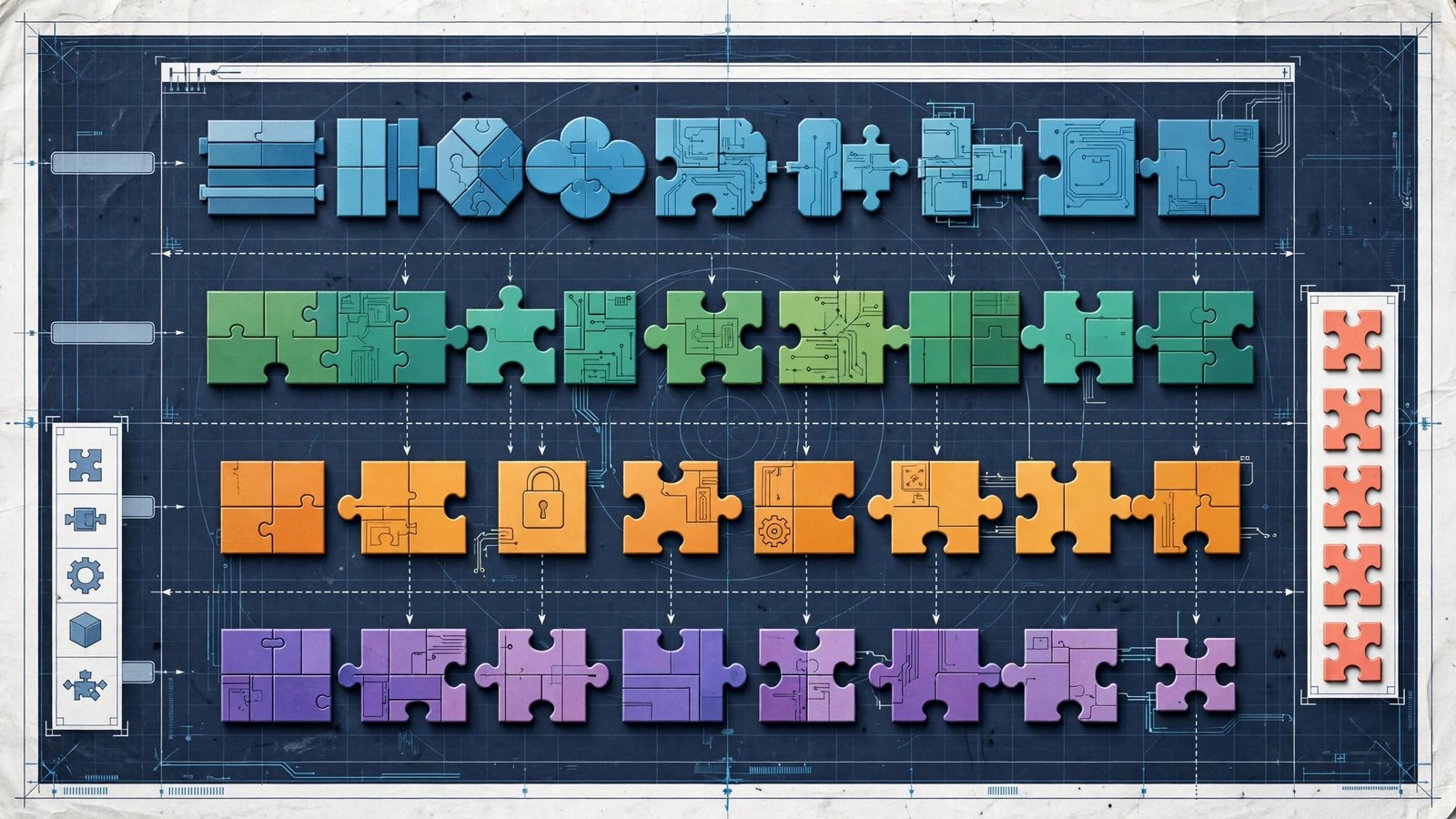
Large applications are not written as one giant block of code. They are built from components — self-contained pieces, each with one clear job — and how you sort those pieces shapes how the whole system is designed, secured, bought, and maintained. Knowing how to classify software applications components is a core skill for students, developers, and IT professionals alike.
This guide gives you a repeatable framework. You will classify components five ways — by purpose, by role, by architectural layer, by license, and by deployment — and then apply all five to one real example.
Step One: Start With the Purpose of the Whole Application
Before classifying components, place the application itself. Every program belongs first to one of the big families described in our guide to the types of softwares:
- System software runs and manages the machine (operating systems, drivers).
- Application software performs tasks for users (documents, sales, design).
- Programming software helps build other software (editors, compilers).
Purpose matters because it decides the rules that follow. A system-level component holds deep access to hardware and demands stricter testing; a user-facing component changes often and demands design flexibility. Misjudging this first step — treating a system-level utility like an ordinary app — is how a small bug in a background tool once famously takes a whole server offline.
Within application software, a second purpose split helps: general-purpose (usable by anyone, like a word processor), specialized (built for one profession, like dental practice software), and custom/bespoke (built for one organization).

Classify Components by Functional Role
The most practical classification looks at what each component does inside the application. Most business and web applications contain the same seven roles:
- User interface (UI) components — screens, forms, buttons, and menus; everything the user sees and touches.
- Business logic components — the rules and calculations that make the app useful: pricing, eligibility checks, workflows.
- Data access components — the code that reads and writes databases, hiding storage details from the rest of the app.
- Database components — the database systems themselves, such as MySQL, PostgreSQL, or MongoDB.
- Integration components — connectors to outside systems: payment gateways, APIs, third-party services.
- Security components — login, permissions, encryption, and audit logging.
- Utility components — shared helpers any part can call: logging, validation, formatting, error handling.
Classifying by role enforces the separation of concerns: when a pricing rule changes, only business logic components should change. If a UI tweak forces database edits, the classification — and the design — has broken down. This mirrors how the software development life cycle expects design decisions to be organized before coding begins.
Classify Components by Architectural Layer
Role classification pairs naturally with layers — where a component sits in the architecture:
- Presentation layer — UI components; the only layer users touch.
- Application layer — coordinates use cases and workflows, directing traffic between screens and core rules.
- Domain layer — the business logic and the model of the problem itself; the heart of the system.
- Infrastructure layer — databases, file storage, messaging, and external connections; the technical plumbing.
The dependency rule is simple: higher layers may depend on lower ones, never the reverse. Classifying components into layers lets architects enforce that rule, so a change of database vendor touches only the infrastructure layer instead of rippling through every screen.
Classify by License and Distribution
Components are also classified by the legal terms attached to them — a step businesses skip at their peril:
- Open-source components — free to use and modify under licenses like MIT or GPL; examples include Linux and WordPress. Our explainer on what open source software is covers the benefits and obligations.
- Proprietary components — owned by a vendor, used under a paid license; most commercial libraries and platforms.
- Freeware components — free to use, closed-source.
- Shareware components — trial use, payment expected for continued use.
- SaaS components — not installed at all; accessed as a service, like Salesforce.
Why classify this way? Because licenses create obligations. A GPL-licensed library can force disclosure of your own code; a per-seat component changes your budget as you grow. Procurement and legal teams need this classification as much as engineers do. The Wikipedia article on application software provides useful background on how these categories evolved.

Classify by Deployment and Platform
Finally, classify by where components run and how they arrive:
- Deployment: installed locally, hosted in the cloud, or hybrid (part local, part cloud).
- Platform: native (built for one operating system) or cross-platform (built to run on many).
- Interface style: graphical (GUI) or command-line (CLI).
- Scale: single-user, small-team, or enterprise-scale.
Deployment classification drives practical decisions: cloud components scale and update centrally; installed components work offline but must be patched machine by machine — a concern that connects directly to disciplined update practices.
Worked Example: Classifying an Online Store
Watch all five classifications work together on one familiar system, an e-commerce application:
- Product catalog screens — UI component, presentation layer, often open-source framework code, cloud-hosted, GUI.
- Shopping cart and checkout rules — business logic component, domain layer, custom-built (proprietary to the business), cloud-hosted.
- Payment connector — integration component, infrastructure layer, third-party SaaS (the payment provider), reached through an API.
- Customer database — database component, infrastructure layer, open-source (PostgreSQL) or proprietary, cloud or local.
- Login and fraud checks — security component, spans layers, mixed licensing.
- Order-confirmation emails — utility/integration component, background service.
In one pass, the team now knows what can change freely, what carries legal obligations, what needs the strictest testing, and what scales independently. That is the payoff of classification done well.

A Five-Step Checklist to Classify Any Component
When you inherit an unfamiliar system, this sequence gets you a working classification in one pass:
- Name the owner. Which team or vendor is responsible for this component? Ownership usually reveals purpose faster than code does.
- Ask who calls it. Users, other components, or the operating system? The caller pattern exposes role and layer at once.
- List its powers. Does it touch hardware, money, personal data, or only display? Powers decide how much testing and security review it needs.
- Read its license file. Every component should have one; if it does not, that is a finding in itself.
- Record where it runs. Server, user device, cloud region, or embedded in hardware — and who patches it there.
Write the answers in a simple table, one row per component. Teams that keep this inventory current find audits, migrations, and incident response dramatically easier, because the map already exists before the pressure arrives.
How This Classification Is Used in Exams, Jobs, and Audits
The same framework serves three very different audiences, which is why it appears in so many syllabi and job descriptions. In classrooms and certification exams, classification questions test whether you can place a given program — an operating system, a compiler, a payroll package — into the right family and defend the placement. In real development teams, the component map produced by classification becomes living documentation: new hires learn the system from it, and architects review changes against it.
In business, classification has a financial edge. Software audits compare what a company owns against what its licenses allow, category by category; a misclassified component can mean an unexpected bill or a compliance finding. Consultants who inventory software for mergers do exactly the five-question pass described in this article, at portfolio scale. Learn the framework once and it keeps paying rent in all three worlds.
Mistakes to Avoid
- Classifying by filename or folder instead of function. Names lie; roles do not. Read what the component actually does.
- Skipping the license check. One incompatible library can create legal exposure for the whole product.
- Mixing layers. Business rules buried in UI code make every change risky and slow.
- Classifying once and never again. Components evolve; a utility that grows business rules needs reclassifying at the next review.
- Ignoring the audience of the classification. Students, developers, and procurement need the same component described at different depths — document accordingly.

Frequently Asked Questions
Why is classifying software components important?
Classification dictates process. It determines how a component is built, tested, secured, deployed, and paid for. A component misclassified as harmless application code — when it actually has system-level access — can cause outages or security incidents when handled with the wrong level of care.
What are the components of a software application?
The standard set is: user interface, business logic, data access, database, integration, security, and utility/helper components. Not every app has all seven, but most non-trivial applications contain most of them.
How do you classify application software itself?
By purpose: general-purpose (for anyone), specialized (for one profession), and custom or bespoke (for one organization). It can be further sorted by domain — productivity, business, education, multimedia, communication, and entertainment are the common buckets.
What is the difference between classifying by role and by layer?
Role describes what a component does (handles payments, stores data). Layer describes where it sits in the architecture (presentation, domain, infrastructure). The two views overlap but answer different questions, and mature teams use both.
Which classification matters most for exams and interviews?
Start with purpose — system, application, and programming software — then components by role and layer. Licensing and deployment classifications are where professional and business questions usually focus.
Conclusion
To classify software applications components well, ask five questions: What is it for? What role does it play? Which layer does it sit in? What license governs it? And where does it run? Answer those for every component and a tangled system becomes a map — one that guides design, testing, security, purchasing, and maintenance. Start with your most important application and work through the framework; the clarity it creates pays off at the very next change you have to make.
