
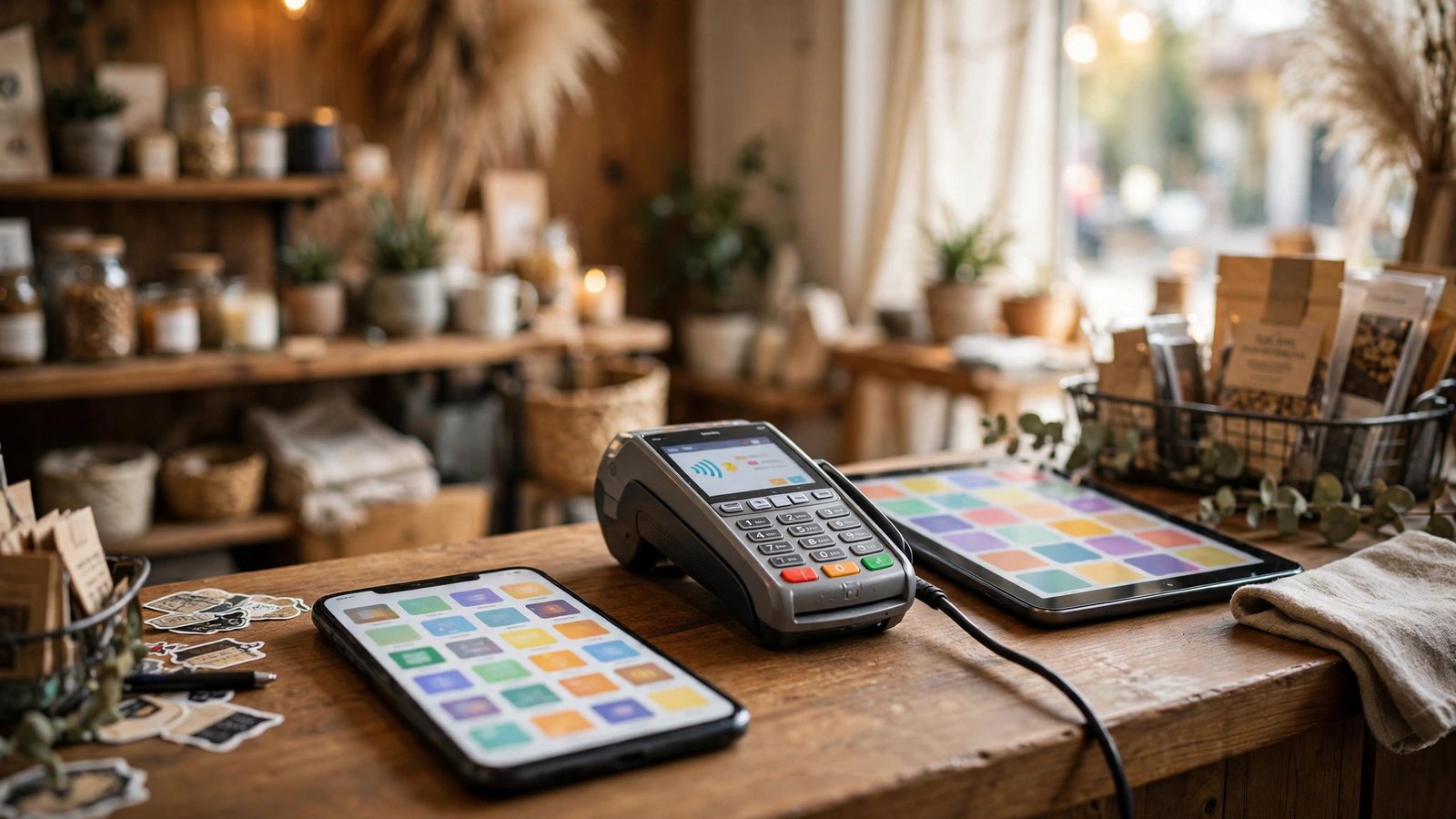
Your phone can run a surprising amount of your company. Invoicing from a job site, checking inventory from the stockroom, approving a schedule change from home — small business apps put all of it in your pocket. The challenge is not finding apps; hundreds exist. The challenge is choosing the small set that actually covers your daily work without draining your budget or your attention.
This guide walks through the essential categories, the best-known names in each, the free options worth trying, and a simple method for picking apps that work together.
Free Small Business Apps Worth Trying First
Plenty of respected tools offer genuinely useful free tiers, which makes them the smartest starting point for a new or very small business. Strong examples include:
- Wave — free accounting and invoicing built specifically for micro-businesses and freelancers.
- Square — free point-of-sale app; you pay transaction fees only when you make a sale.
- HubSpot CRM — a free customer database with contact and deal tracking.
- Slack (free tier) — team messaging that replaces scattered text threads.
- Google Workspace apps — Gmail, Drive, Docs, and Sheets in free consumer form, or low-cost business plans.
- Canva (free tier) — quick graphics for social posts, flyers, and menus.
- Trello (free tier) — simple boards for tracking tasks and jobs.
Free tiers have limits — fewer users, storage caps, or basic reporting — but they let you confirm a tool fits your workflow before you pay for it.

Apps for Small Businesses by Category
Rather than collecting random downloads, think in categories. A well-covered small business usually has one dependable app in each of these areas:
- Money: accounting and invoicing (QuickBooks, FreshBooks, Wave), payments (Square, Stripe), expense tracking (Expensify).
- Customers: CRM and client records, appointment booking (Calendly, Square Appointments), review and messaging tools.
- Team: chat (Slack, Microsoft Teams), scheduling (Homebase, When I Work), task tracking (Trello, Asana).
- Marketing: email (Mailchimp), social scheduling (Buffer), design (Canva). Dedicated marketing apps for small business go deeper on this category.
- Operations: inventory, cloud storage (Google Drive, Dropbox), e-signature (DocuSign, Dropbox Sign), password management (1Password, Bitwarden).
If you are weighing broader desktop platforms alongside phone apps, our overview of software for business management compares the main all-in-one options.
Choosing a Business App for Small Business Workflows
With so many lookalike tools, a short checklist keeps the decision grounded:
- Start from the problem. Pick the task that wastes the most time each week — late invoices, schedule chaos, lost customer notes — and solve that first.
- Confirm it works on your devices. Staff phones may be a mix of iPhone and Android; the app and its features should match on both.
- Check integrations. An invoicing app that syncs with your accounting app saves double entry. Isolated apps create new busywork.
- Read the real pricing. Many apps look cheap until you add seats, add-ons, or transaction percentages. Estimate your cost at your current size — and at double that size.
- Test with real work. Run the free trial on actual jobs for two weeks, not on dummy data, and involve the staff who will use it daily.
- Look at support and reviews. Recent reviews in the app stores reveal a lot about reliability, update quality, and how the company treats small customers.
The U.S. Small Business Administration offers free guidance and checklists for managing a business, and its planning resources are a useful sanity check before you commit to paid tools.

How Apps Help Different Types of Small Businesses
The “right” stack depends heavily on what you sell. A few common patterns:
- Trades and field services (plumbers, cleaners, landscapers): scheduling and dispatch apps, invoicing with on-site payment, and photo documentation matter most. Getting a signature and a card payment before you leave the driveway transforms cash flow.
- Retail and food businesses: the point-of-sale app is the hub — it should drive inventory counts, staff permissions, and daily sales reports, and feed clean numbers to accounting.
- Professional services (consultants, agencies, freelancers): time tracking, proposal and e-signature tools, and project apps carry the load, because the product is your hours and your documents.
- Online sellers: inventory and shipping apps, marketplace integrations, and customer messaging tools keep orders accurate across channels.
- Health, beauty, and appointment-based businesses: booking apps with automated reminders reduce no-shows, and client records with visit history power rebooking and personal service.
Notice the pattern: every trade has one “hub” app where the day’s work lives, plus supporting apps around it. Identifying your hub first makes every later choice easier, because the supporting apps mainly need to integrate with it.
Keeping Your App Stack Healthy Over Time
An app stack is not a one-time purchase; it drifts as your team, prices, and needs change. A light maintenance routine keeps it useful:
- Review subscriptions twice a year. Cancel anything nobody has opened in 90 days, and downgrade tiers you have outgrown in reverse — paying for 20 seats with a team of 7 is common and wasteful.
- Re-check integrations after big updates. Apps change their APIs and pricing; a sync that silently stops will corrupt the numbers you rely on. Spot-check totals monthly between connected apps.
- Train new hires into the stack from day one. Give them the standard logins, the naming conventions, and the “where things live” cheat sheet. Most app chaos is really habit chaos.
- Watch for feature creep in reverse. When a tool you already own adds the feature you were about to buy another app for, consolidate instead of adding.

Mistakes to Avoid with Business Apps
- Downloading everything at once. Rolling out five new tools in a week guarantees your team uses none of them well. Add one, settle it, then add the next.
- Paying twice for the same job. Overlap is common — two apps that both track tasks, or a CRM plus a spreadsheet doing the same thing. Audit your subscriptions twice a year.
- Ignoring permissions. Former employees should lose access the day they leave; use individual logins, never one shared password.
- Skipping backups and exports. Make sure you can export your customer list and financial data. Your data should never be a hostage.
- Forgetting the desktop side. Some tasks — month-end accounting, complex quotes — are still faster on a full accounting program for your business than on a phone screen. The best setup uses each device where it is strongest.
A Sensible Starter Stack, Step by Step
If you are starting from zero, this order works well for most businesses:
- Week 1 — Money in. Set up your payment method (Square, Stripe, or your bank’s option) and your accounting/invoicing app. Until money flows cleanly, nothing else matters much.
- Week 2 — Customer records. Add a simple CRM or client list app and import your existing contacts, however messy. Future you is grateful for every record captured from today forward.
- Week 3 — Team coordination. Introduce one communication app and one task or scheduling app, and move one real workflow into each (shift swaps, job assignments).
- Week 4 — Files and marketing basics. Organize cloud storage with a shared folder structure, claim your Google Business Profile, and pick one design or social tool.
- Month 2 and beyond. Add only when a specific pain appears: no-shows point to booking reminders, stock-outs point to inventory, and “I forgot to follow up” points to automation.
Notice what this sequence avoids: paying for five subscriptions before the first one has proven itself, and asking your team to learn everything in the same week. Each step solves the loudest problem of that week, and each app is bedded in before the next arrives. If an app fails its trial, swapping it at this stage costs an afternoon, not a migration project — which is exactly why the order matters as much as the apps themselves.

Frequently Asked Questions
Which app is best for a brand-new small business?
Start with the money basics: a free accounting and invoicing app like Wave, plus a payment option such as Square if you sell in person. Add a CRM and scheduling tool only when customer volume makes sticky notes unworkable.
How many apps does a small business actually need?
Most small businesses run well on five to eight core apps: accounting, payments, customer records, team communication, task tracking, file storage, and one or two marketing tools. More than that usually means overlap.
Are free business apps safe to use?
Well-known free apps from established companies use the same security practices as their paid versions. The real risks are weak passwords and shared logins — turn on two-factor authentication wherever it is offered.
Should I choose an all-in-one app or separate specialized apps?
All-in-one suites reduce juggling and usually cost less, but a specialized app often does its one job better. Many businesses land in the middle: one main platform, plus one or two specialists where quality really matters.
How much should I expect to spend on business apps?
Many owners spend the equivalent of a modest monthly amount per employee once they outgrow free tiers, with payment processing fees on top. Because prices change and vary by plan, check the vendor’s current pricing page before budgeting precisely.
Conclusion
The right small business apps feel less like extra software and more like extra staff: invoices go out on time, schedules are visible to everyone, and customer details are never trapped in one person’s notebook. Start with free tiers in the categories that hurt most, confirm each app earns its place with real work, and build your stack one tool at a time. A lean, well-chosen set will serve you far better than a phone full of downloads nobody opens.
