
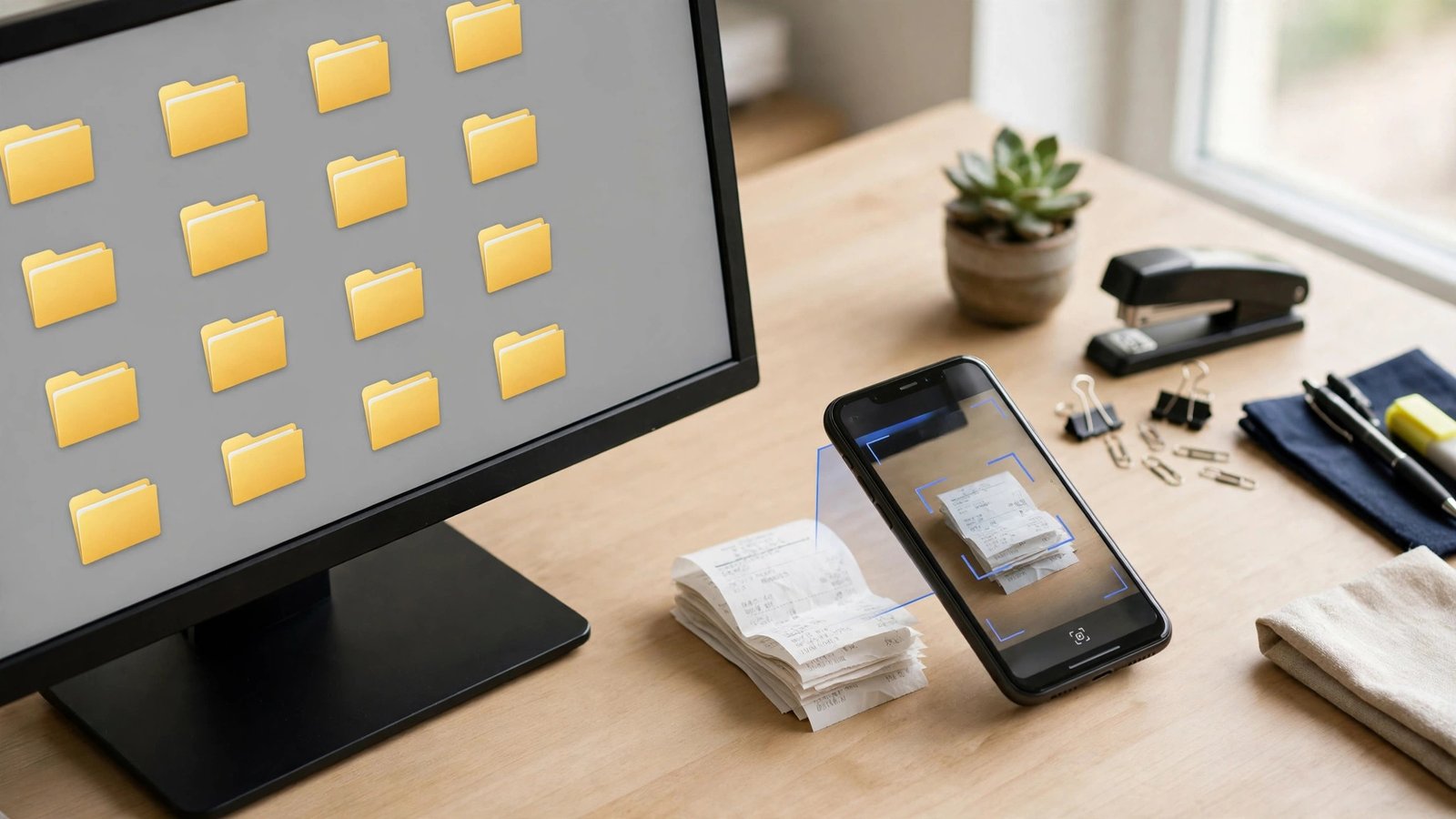
Every business generates a paper trail: receipts, invoices, contracts, payroll files, tax forms, licenses. Kept badly, that trail becomes a shoebox of fading receipts and a mild panic every tax season. Record keeping software replaces the shoebox with a searchable digital system where every document is filed once, found in seconds, and kept for exactly as long as the rules require.
This guide explains what record keeping software does, the features that matter, well-known tools for different needs, and the retention periods US businesses should build into their system.
What Counts as a Business Record?
More than most owners realize. A complete record system usually holds:
- Income records — invoices, sales reports, deposit slips, and 1099 forms.
- Expense records — receipts, vendor bills, subscription renewals, and proof of payment.
- Payroll records — wage reports, withholding documents, timesheets, and contractor agreements.
- Tax records — filed returns and every document that supports the numbers on them.
- Asset records — purchase invoices for equipment and vehicles, plus depreciation schedules.
- Legal and operational records — contracts, leases, licenses, permits, and insurance policies.

What Record Keeping Software Does
Dedicated record keeping tools — and the document features inside accounting platforms — share a common set of jobs:
- Capture. Scan paper with a phone, forward emailed receipts to an inbox, or snap a photo at the register. Good tools read the amount, date, and vendor automatically (OCR).
- Organize. Documents are tagged by category, date, client, or project, and filed in a consistent structure you define once.
- Search and retrieve. Find “the March equipment invoice” in seconds instead of digging through folders — the feature that matters most during an audit or a dispute.
- Protect. Role-based permissions, activity logs, and automatic cloud backups keep records safe from loss, spills, and curious eyes.
- Retain and dispose. Retention rules can flag what is old enough to archive or delete, so you keep what the law requires without hoarding forever.
Many owners meet these features first inside their accounting platform — receipt capture in tools like QuickBooks or Dext, for example — which is why record keeping works best when chosen alongside your accounting programs for business rather than separately.
How Long Should You Keep Business Records?
Retention rules set the floor for your system. General US guidance from the IRS:
- Tax return support: keep records at least 3 years from the date you filed the return — the standard audit window.
- Substantial underreporting situations: the window extends to 6 years, which is why many advisors suggest keeping tax records longer.
- Bad debt or worthless securities claims: 7 years.
- Employment tax records: at least 4 years after the tax becomes due or is paid, whichever is later.
- Property and asset records: keep until the limitation period expires for the year you sell or dispose of the asset, since they determine depreciation and gain or loss.
- No return filed or a fraudulent return: no time limit at all.
A practical default many accountants recommend is seven years for most financial records: digital storage is cheap, and the cost of keeping files a little longer is tiny next to the cost of missing one. The IRS recordkeeping guidance for small businesses is the authoritative source to confirm the rules for your situation.
Well-Known Tools by Record Type
- Receipts and expenses: Dext and Expensify specialize in capturing receipts and pushing them into accounting software.
- Accounting-attached storage: QuickBooks Online and Xero let you attach source documents directly to transactions, which auditors love.
- General document management: Google Drive and Dropbox remain the default filing cabinets for contracts and policies — structure, not the tool, is what makes them work.
- Payroll records: payroll platforms like Gusto and ADP retain wage and tax documents as part of the service.
- Industry systems: contractors, clinics, and law offices often use practice-specific software whose document handling matches their compliance rules.
Whichever tools you pick, they should connect: your expense capture should feed your bookkeeper software or accounting app, and client-related documents should be reachable from the same customer view your team uses daily.
Setting Up a System That Stays Organized
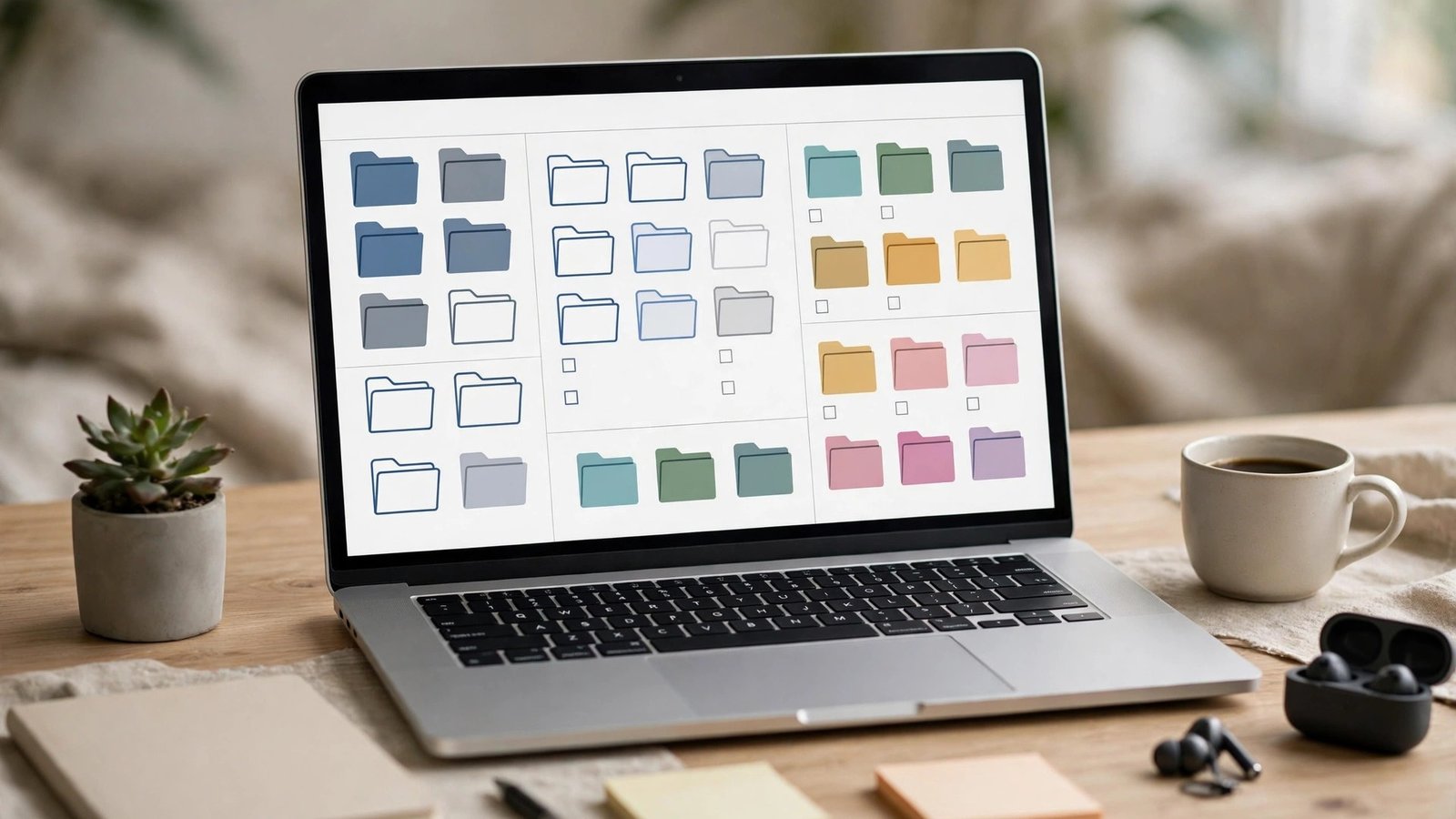
- Define a folder and naming structure once. For example: Year → Category (Income, Expenses, Payroll, Taxes, Contracts) → files named
2026-03-14_vendor_amount.pdf. Consistency beats cleverness. - Capture at the moment of the transaction. A photo taken in the parking lot survives; a receipt in a jacket pocket does not.
- Reconcile weekly. Fifteen minutes a week matching documents to transactions prevents the year-end archaeology project.
- Back up in two places. Cloud storage plus one separate copy (another cloud service or an external drive) protects against account loss and accidents.
- Set an annual retention review. Each January, archive the year that just aged out of your retention window and confirm the permanent files — formation documents, property records, filed returns — are intact.
Paper, Digital, or Hybrid: Choosing Your Approach
Some owners hesitate because part of their world is still paper — signed contracts, mailed notices, supplier invoices. You do not have to pick one medium absolutely:
- Digital-first works when nearly everything arrives electronically already: online sales, card payments, emailed bills. Paper items get scanned on arrival and the originals filed in a single monthly envelope as backup.
- Hybrid suits businesses with meaningful paper flow: keep the paper in dated monthly folders, but scan the important items so they are searchable and backed up. The digital copy is the working copy; the paper is the archive.
- Paper-only is the risky option. It has no backup against fire, flood, or fading ink, and retrieval time grows with every year you stay in business. If you keep paper, at minimum scan tax-related documents and store the scans off-site.
Whichever model you choose, the standard your system must meet is simple: could you produce any important document from the last three years within fifteen minutes? If not, the system — not your memory — needs the upgrade.

What Good Record Keeping Saves You
The payoff is concrete and recurring:
- Fuller deductions. Every legitimate expense documented is tax you do not overpay. The receipt most people lose — small cash purchases, mileage, home-office items — add up over a year.
- Shorter, cheaper tax prep. Accountants bill for reconstruction. Handing yours a complete, organized digital file cuts their hours and your invoice.
- Faster dispute resolution. A customer claiming they never agreed to a price, or a vendor claiming non-payment, is settled by producing the record — if you can find it.
- Cleaner borrowing and selling. Lenders and buyers ask for years of statements and supporting records. Businesses with orderly files get faster answers and better valuations.
- Calmer audits. An IRS or state notice is stressful; it is far less stressful when your system produces exactly what is requested, organized the way the notice asks.
Mistakes to Avoid
- Mixing personal and business records. One shared folder of both is how deductions get lost and audits get longer.
- Keeping only paper. Thermal receipts fade to blank within a few years; scan everything the day it arrives.
- No access control. Payroll and tax files should not be visible to every login. Use permissions.
- Assuming the software is the system. A tool without a filing habit is just a tidier mess. The routine — capture, file, reconcile — is the real system, and the software’s job is to make that routine easy, the same principle behind any good accounting software setup.
Record Keeping for Different Business Types
The core principles are universal, but emphasis shifts by industry:
- Retail and e-commerce: high transaction volume makes automated capture essential. Your point-of-sale and store platform are the record system for sales; your job is ensuring payouts, fees, and refunds reconcile with the bank.
- Contractors and trades: job-level records rule — contracts, change orders, permits, before-and-after photos, and material receipts per project, because disputes and warranty questions surface months later.
- Professional services: engagement letters, deliverables, and time records underpin both billing and liability protection; retention often runs longer than tax minimums for professional reasons.
- Restaurants and hospitality: daily sales reports, tip records, and payroll documentation carry specific labor-law weight; keep them meticulously and separately from general expenses.
- Landlords and real estate: lease agreements, deposit records, and per-property expense files — organized by property, not just by year — make both taxes and sales dramatically simpler.
Whatever your industry, one question cuts through: if the person who “knows where everything is” left tomorrow, could the business still produce its records? Software plus a written structure is what turns a personal habit into a business asset.
Frequently Asked Questions
Is digital record keeping acceptable to the IRS?
Yes. The IRS accepts electronic records as long as they are complete, legible, accurate, and retrievable — the same standard as paper. A scanned receipt with a matching bank transaction is strong documentation.
What is the best record keeping software for a very small business?
For most micro-businesses, the receipt capture built into their accounting app (such as QuickBooks or Wave) plus a structured Google Drive or Dropbox folder covers everything. Dedicated tools like Dext make sense when receipt volume grows.
How much does record keeping software cost?
Basic document storage is often free or bundled with accounting plans. Specialized capture tools typically charge a modest per-user monthly fee. Confirm current pricing on vendor sites, as plans change frequently.
Which records should I keep forever?
Business formation documents, ownership records, filed tax returns, property purchase and sale records, and major contracts are commonly kept permanently. Everything else follows the retention windows above.
Can record keeping software handle payroll records too?
Yes — either directly or by connecting to your payroll platform, which usually archives wage reports and tax filings for you. Just confirm the retention period in the platform meets the four-year employment tax minimum.
Conclusion
Record keeping software is not glamorous, but it quietly protects your deductions, shortens audits, and ends the tax-season scramble. Pick tools that capture documents where they are created, file them under one consistent structure, and keep them for the periods the IRS expects. Do that, and your records stop being a liability and become what they should be: proof, ready whenever you need it.
