
Some Android versions are famous for what they added; Oreo is famous for how much it fixed. The android oreo software release, covering Android 8.0 and 8.1, arrived in August 2017 with a promise of a phone that was smarter, faster, and kinder to its battery. Nearly a decade later, its ideas still shape every modern Android release.
This guide covers what Oreo was, the features people actually remember, the under-the-hood changes that mattered most, and the honest answer to whether an Oreo phone is still usable today.
What Is Android Oreo?
Android 8.0 Oreo was officially released on August 21, 2017, unveiled the same day as a total solar eclipse over the United States, a bit of showmanship Google clearly enjoyed. It was the second Android version named after a branded snack (after KitKat), and it debuted on Google’s Pixel and Nexus phones before rolling out to other makers.
A follow-up, Android 8.1, arrived in December 2017 with smaller refinements, including a battery level indicator for connected Bluetooth devices and the Neural Networks API for on-device machine learning. Google’s own release notes for the platform live in the Android 8.0 developer documentation, which remains a useful primary source.
Oreo’s predecessor was Nougat and its successor was Pie, and the family resemblance runs through our guide to the operating system android 6.0 marshmallow as well, for readers tracing the whole dessert era.
The Features Everyone Remembers
Picture-in-picture was the demo favorite: press home during a video call or a YouTube clip and the video shrank into a small floating window you could drag around while using other apps. On phones, this was genuinely new, and it is standard behavior today.
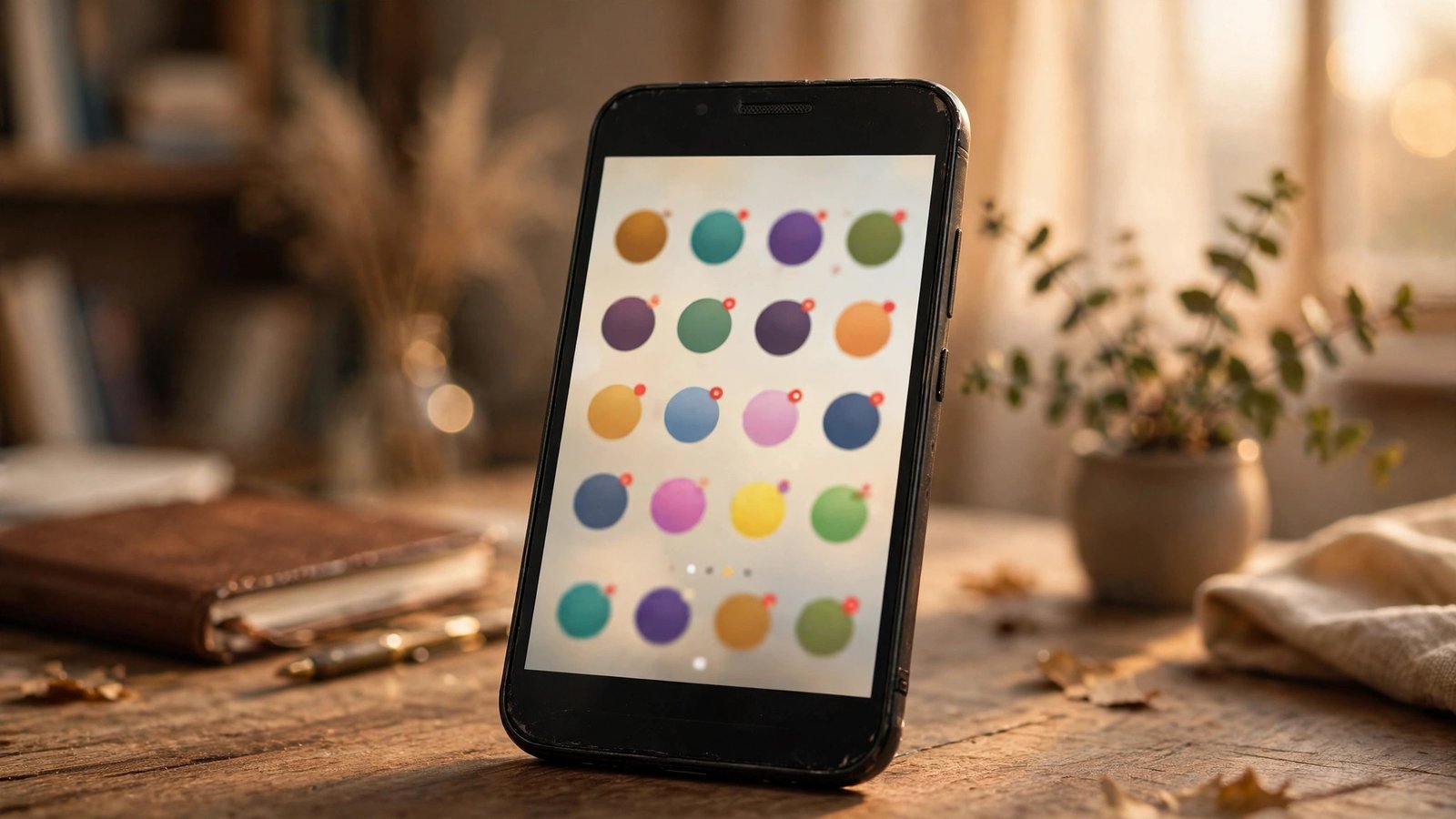
Notification dots put a small badge on an app’s icon when it had waiting notifications. Long-pressing the icon previewed them, along with app shortcuts, without opening the app at all.
Autofill came to apps in Oreo. Just as Chrome filled web forms, the system (or a password manager you chose) could now fill usernames and passwords inside apps, with your permission. For anyone juggling logins, this alone justified the upgrade.
Smaller joys included smart text selection, which recognized addresses, phone numbers, and emails in selected text and offered the right app immediately, plus a full redesign of the emoji set that retired the beloved blobs and added more than 60 new characters. Taken together with the world of android applications they ran in, Oreo’s phones simply felt more helpful minute to minute.
Adaptive icons were part of the same polish pass. Developers shipped one icon asset and the system masked it into whatever shape a given phone maker preferred, circle, square, or squircle, so home screens finally looked consistent instead of chaotic. Oreo also added downloadable fonts, native support for the high-quality LDAC Bluetooth audio codec, and autocomplete in the dialer era’s smaller corners, details that rarely made headlines and quietly improved every day.
Notifications Grew Up: Channels and Snoozing
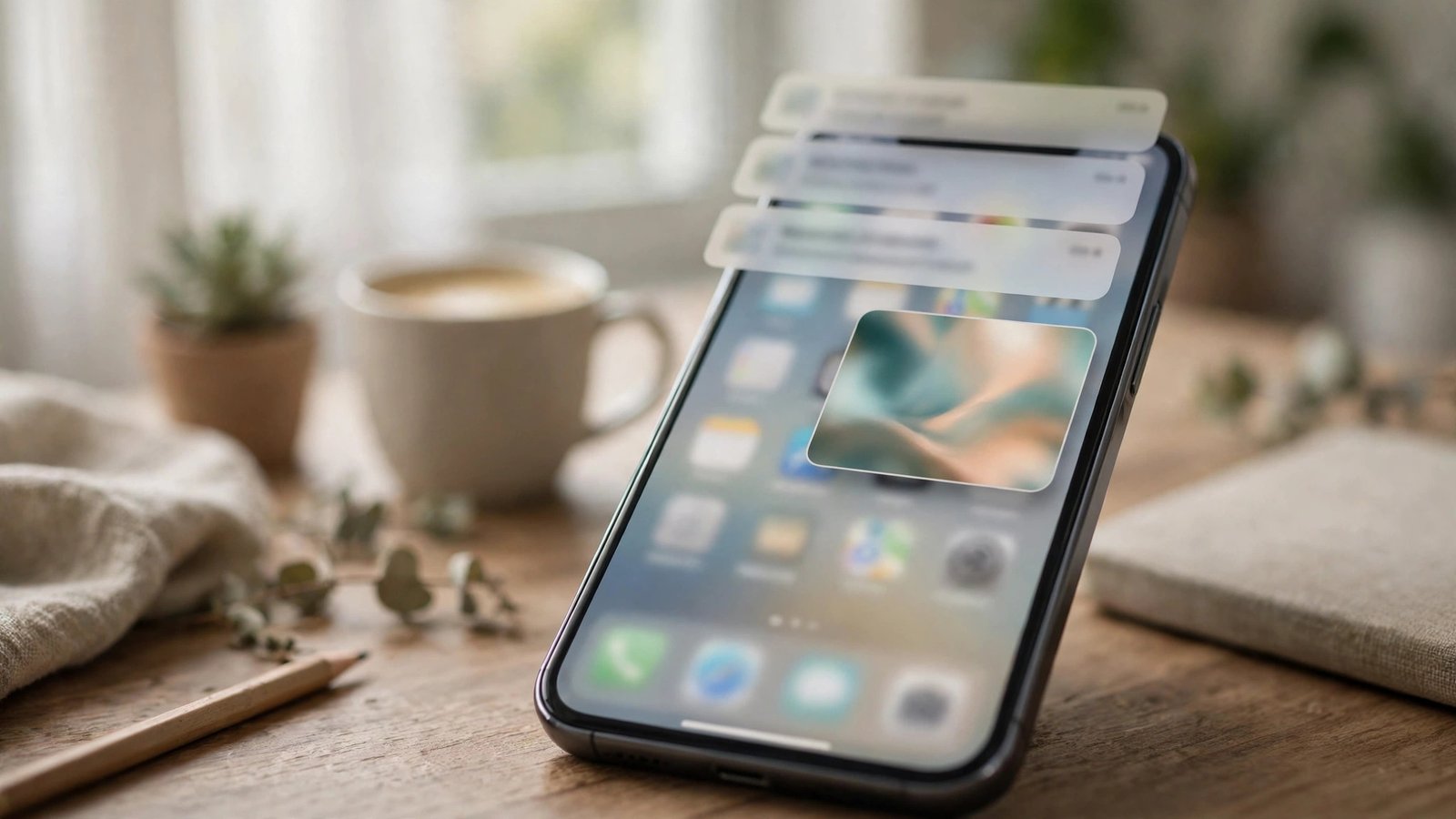
Oreo’s deepest change was notification channels. Instead of one all-or-nothing switch per app, apps had to sort their notifications into categories: a news app could separate breaking alerts from sports scores, and you could silence one channel while keeping the other loud. This remains the model Android uses today.
Notification snoozing arrived alongside it: swipe a notification sideways, tap the clock, and it would politely return in an hour. The notification shade also began tinting itself to match music album art, a small aesthetic touch people genuinely liked.
The philosophy was control. Nougat had made notifications powerful; Oreo made them manageable, and every Android version since has built on that foundation.
A concrete example shows the difference. On Nougat, a messaging app had one volume knob: everything buzzed, or nothing did. On Oreo, that same app could separate direct messages from group chats from promotional nudges, and you could keep the first loud, the second quiet, and the third silent entirely. Group chats being the chief offender on most phones, that single change spared users a great deal of daily irritation.
Speed, Battery, and the Invisible Fixes
Google claimed Oreo booted up to twice as fast on Pixel hardware, and the more important change was what happened after boot. Background limits stopped apps from freely running services and listening for system events while you were not using them, which curbed the era’s rampant battery drain and made cheap phones noticeably smoother.
Project Treble was the structural headline for the industry: it separated the core Android framework from the hardware-specific code beneath it, so manufacturers could deliver updates without redoing the deep integration work each time. Treble’s success is a quiet reason modern Android phones receive updates for years longer than Oreo-era devices did.
Oreo also enforced installing apps from unknown sources per app instead of with one global switch, a meaningful security improvement for anyone who occasionally sideloads.
Security: Google Play Protect
Oreo put Google Play Protect front and center. Play Protect scans apps on your phone and in the store, checks for harmful behavior, and shows your security status right in Settings, instead of hiding it in a menu nobody visited.
Combined with monthly security patches (which Pixel and Nexus owners received reliably), Oreo-era Android was measurably safer than what came before. The version also tightened app install controls and expanded verified boot protections.
This lineage continues today in features like the tracker alerts covered in our guide to unknown tracker alerts on android, which protect the same users Oreo first started shielding.
Android 8.1 and the Go Edition
Android 8.1 refined rather than reinvented: it added the Neural Networks API, improved autofill, a shared-memory API for low-RAM devices, and Bluetooth battery indicators in Quick Settings.
More significant for the world was the Android Oreo (Go edition), a lightweight configuration built for phones with 1 GB of RAM or less. Go edition phones shipped with slimmed-down Google apps (Gmail Go, Maps Go, Assistant Go) and a tuned Play Store highlighting apps built for tight storage. For millions of first-time smartphone buyers, Oreo Go was their first Android, which is a legacy the flagship-focused histories often miss.
The Go experiment also pressured the whole ecosystem in a healthy direction. Because Google publicly optimized its own apps for tiny storage and slow networks, third-party developers gained both the tools and the excuse to slim their own apps down. Data-saving features that flagship users now take for granted, like offline downloads and lite modes, were often designed first for Go phones and only later appreciated everywhere else.
Oreo vs Nougat and Pie: Where It Sits in History
Against its predecessor, the jump was clear. Nougat (7.0/7.1) brought split-screen multitasking and bundled notifications, but left users with blunt controls and battery anxiety. Oreo kept Nougat’s good ideas and added the management layer: channels, snoozing, background limits, and autofill.
Against its successor, Oreo looks like the foundation rather than the house. Android 9 Pie took the spotlight with gesture navigation, Adaptive Battery, and Digital Wellbeing, but every one of those features stands on Oreo’s plumbing, Treble’s update architecture above all. Reviewers at the time sometimes called Oreo a modest release. In hindsight it reads more like the release that professionalized the platform, the point where Android stopped adding fireworks and started sweating details that users feel every hour.
Is an Oreo Phone Still Safe to Use Today?
Honestly: as a spare or a child’s hand-me-down with supervision, cautiously; as your main phone, no. Oreo stopped receiving security patches years ago, and many current apps have raised their minimum versions past it, so banking and work apps increasingly refuse to run.
If a beloved old device is stuck on Oreo, reduce its exposure: remove financial apps, browse cautiously, keep Play Protect on, and use it on trusted Wi-Fi.
Repurposed thoughtfully, it still has honest work left in it. An Oreo handset makes a fine dedicated Spotify or podcast player for the garage, a kitchen recipe and timer screen, a child’s first camera and media player, or a bedside smart clock. Its hardware is rarely the problem; it is the unpatched software that argues against trusting it with your accounts, passwords, or payments.
Frequently Asked Questions
When was Android Oreo released?
Android 8.0 Oreo launched on August 21, 2017, first for Google’s Pixel and Nexus devices. Android 8.1 followed in December 2017 with smaller improvements.
What is the difference between Android 8.0 and 8.1?
Version 8.1 added the Neural Networks API, Bluetooth battery indicators, autofill improvements, and various fixes. The user-facing experience was nearly identical, so both are simply called Oreo.
What were Oreo’s biggest features?
Picture-in-picture video, notification dots and channels, system-wide autofill for apps, background limits for battery life, Project Treble for faster updates, and Google Play Protect security scanning.
Can I still update a phone running Oreo?
Only if the manufacturer released a later update for that model, which is now rare. Most Oreo-era phones received their final updates years ago; a custom ROM is the only route, and it is for enthusiasts.
What came after Android Oreo?
Android 9 Pie in 2018, which built on Oreo with gesture navigation, an early dark mode in some skins, and AI-driven adaptive battery and brightness features.
Conclusion
Oreo rarely tops lists of flashy Android releases, yet picture-in-picture, notification channels, autofill, and Project Treble all became permanent fixtures of the platform. It was the version that made Android feel finished: fast, controlled, and considerate of your battery. If modern Android feels polished, Oreo is a big part of the reason why.
There is a fitting irony in its name, too. Like the cookie, Oreo’s design was two solid layers around a creamy center: speed and security on the outside, and a filling of small daily conveniences, dots, snoozes, autofill, floating video, that users tasted a hundred times a day. Android has grown far more powerful since, but it has rarely grown more thoughtful in a single step.
