
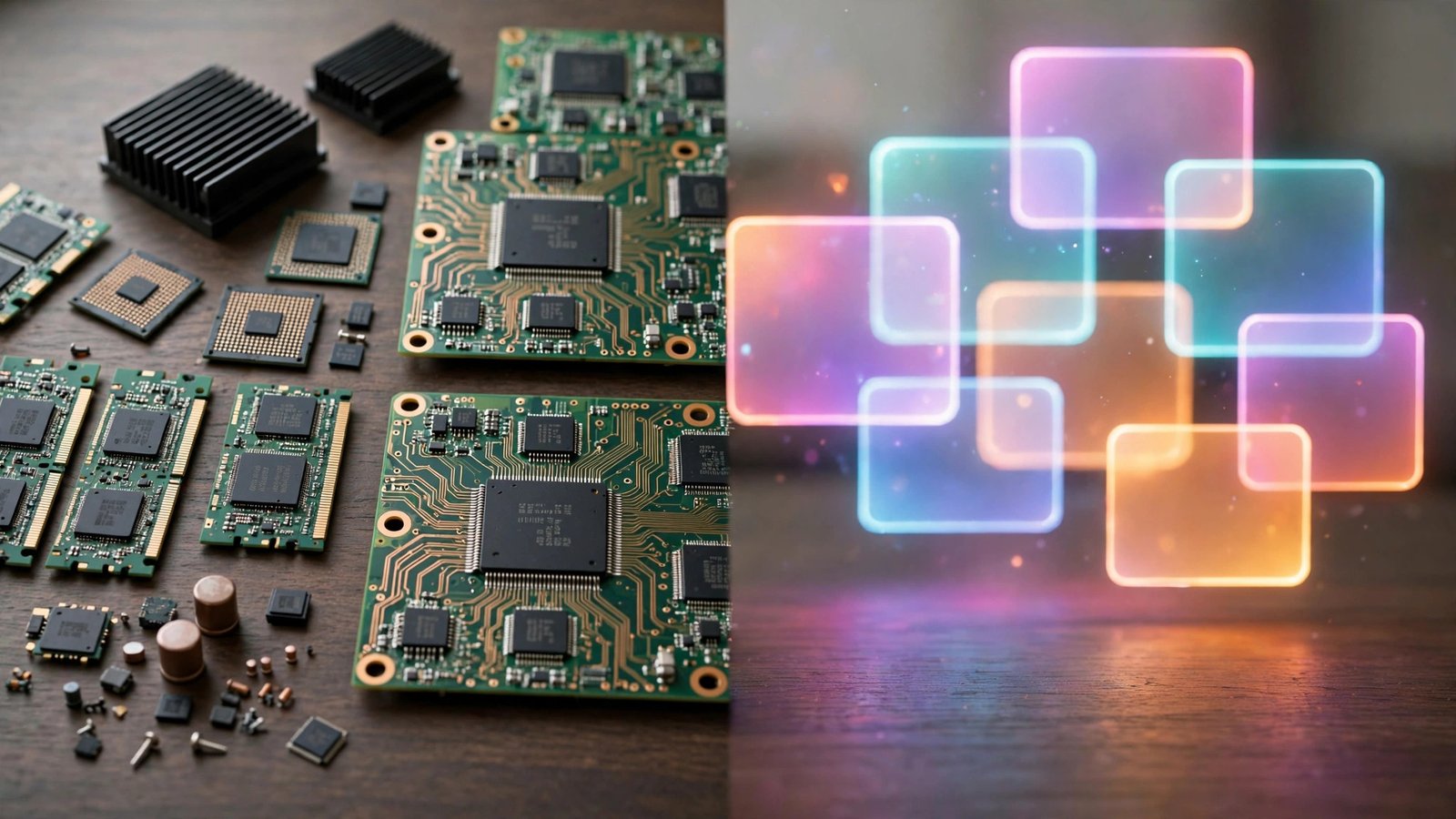
It is the first distinction every computer student learns, and the one that quietly explains how your devices are organized: the difference between system software application software. One family runs the machine itself. The other does the jobs you actually care about — writing, browsing, designing, playing. Confuse the two and everything from troubleshooting to buying decisions gets harder than it needs to be.
This comparison walks through clear definitions, a side-by-side table, real examples, and the gray areas — utilities, firmware, middleware — where the line gets interesting.
Quick Definitions First
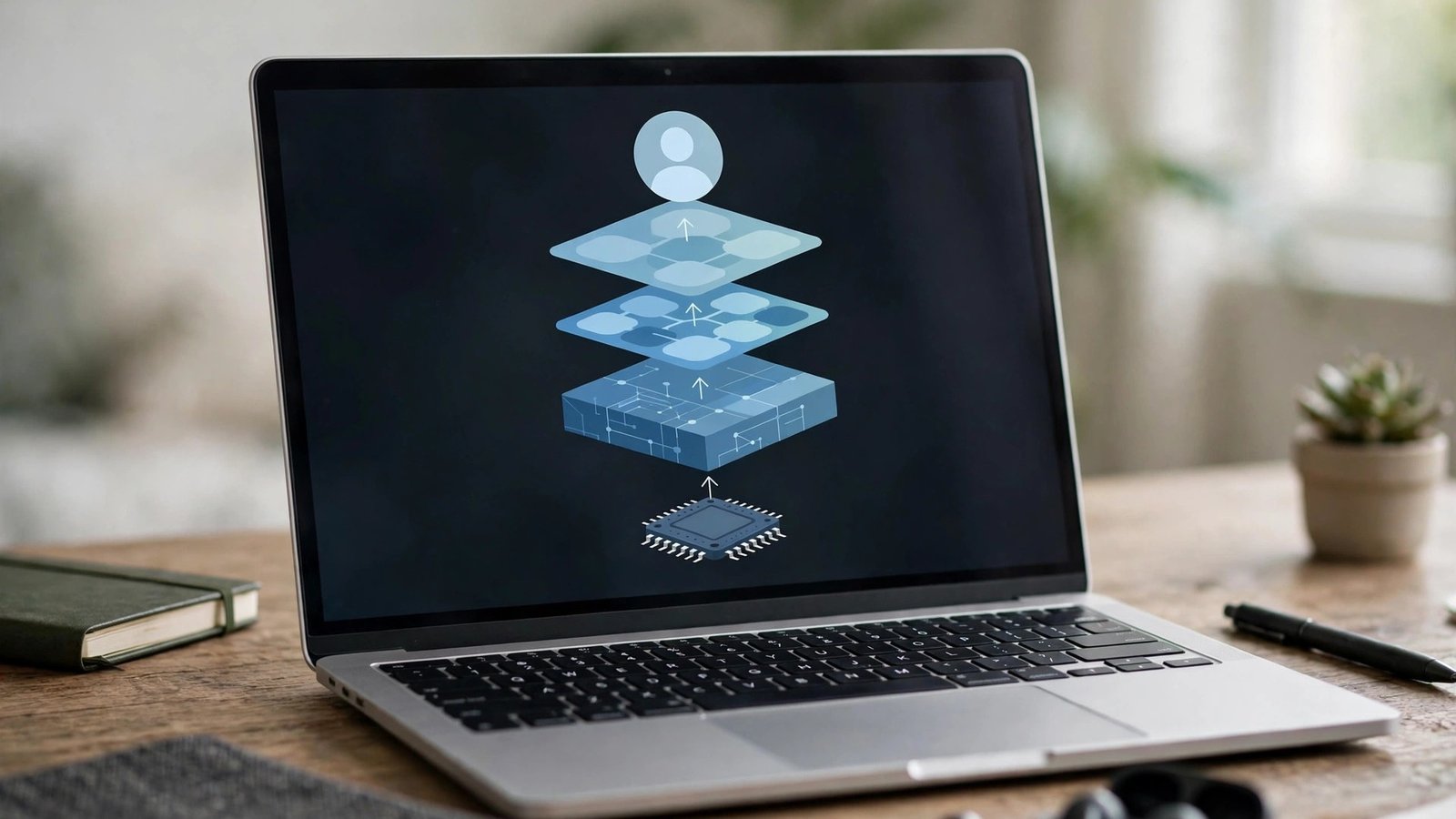
System software is the software that operates and manages the computer hardware, providing the platform on which everything else runs. The operating system is the chief example, supported by device drivers, firmware, and system utilities. If you want the full picture of this layer, our guide on how system software works is the natural next read.
Application software is software designed for end users to perform specific tasks. It sits on top of system software and cannot function without it. Word processors, browsers, games, and accounting programs are applications. Our explainer on what application software is covers its types in depth.
A memory aid that works: system software serves the system; application software serves the person.

Side-by-Side Comparison Table
| Basis | System Software | Application Software |
|---|---|---|
| Purpose | Manages hardware and runs the computer | Performs specific tasks for users |
| Examples | Windows, macOS, Linux, Android, drivers | Word, Chrome, Photoshop, Spotify |
| User interaction | Mostly indirect, through settings | Direct and constant |
| When it runs | From boot until shutdown | Only while the user has it open |
| Dependency | Runs independently, close to hardware | Cannot run without system software |
| Installation | Comes with the machine or OS install | Installed by the user as needed |
| Size/complexity | Large, complex, hardware-specific | Varies from tiny apps to huge suites |
| If removed | The computer stops working | One task becomes unavailable |
The Wikipedia article on operating systems gives the technical background on the most important piece of system software in this table.
Purpose and Role: The Core Difference
Everything flows from purpose. System software exists so that hardware becomes usable at all. It schedules the processor, allocates memory, manages files, controls input and output devices, and enforces security. Without it, a computer is inert electronics.
Application software assumes all of that already works. It focuses entirely on a human goal: edit this document, retouch this photo, reconcile these accounts. Applications ask the operating system for services — “save this file,” “print this page” — rather than talking to hardware themselves. That is also the substance behind the difference between hardware and software: applications are the farthest layer from the physical machine, system software the closest.
How Each One Interacts With You
You feel the difference in daily use. You deliberately open applications, see their windows, and close them when done. Your relationship with system software is mostly invisible: it boots before you arrive, updates in the background, and only surfaces in settings screens, permission prompts, and the occasional error dialog.
This also explains a common frustration. When an application crashes, you lose one task. When system software fails — a corrupt driver, a broken OS update — the whole device can freeze or refuse to start. The stakes are different because the layers are different.
Examples, Matched in Pairs
Seeing the two families work together on the same task makes the split concrete:
- Printing a report: the word processor (application) creates the document; the operating system and printer driver (system) deliver it to the printer.
- Playing a song: the music app (application) shows your library and playlists; the OS and audio drivers (system) push sound through the speakers.
- Taking a photo on a phone: the camera app (application) provides the shutter and filters; Android or iOS and the camera firmware (system) control the sensor.
In each pair, remove the application and only that task disappears. Remove the system half and nothing works at all.
A fourth pair shows the relationship at boot time. When you press the power button, firmware (system) wakes the hardware and hands control to the operating system (system), which only then offers you the icons of your applications. Every session with a computer literally begins in system software and spends the rest of its time in applications — the cleanest possible illustration of which layer supports which.
Who Creates Each Type, and How They Are Maintained
The two families are also built by different kinds of teams under different pressures. Operating systems and drivers come from platform vendors and hardware makers, who test them against huge matrices of devices because a single fault can affect millions of machines. Releases are infrequent, large, and cautious.
Application software comes from everyone: giant vendors, small studios, and solo developers publishing to app stores tonight. Releases are frequent, sometimes weekly, because a bug in an app inconveniences users of that app only. Maintenance differs accordingly. System software updates arrive as carefully staged operating system releases and driver packages, while applications update individually, often automatically and silently through an app store.
For students choosing a direction, the split predicts the work: system programmers deal with performance, hardware, and stability at scale; application developers deal with users, features, and business logic. Both are software engineering, but the daily questions could hardly be more different.
The Gray Areas: Utilities, Firmware, and Middleware
Honest comparisons admit the border cases:
- Utility software (antivirus, disk cleanup, backup tools) maintains the system, so many textbooks group it with system software; others give it its own category. It is user-installed like an application but system-focused like the OS.
- Firmware is software permanently stored on hardware chips — your router’s or SSD’s built-in code. It is system software at the lowest level, below the operating system.
- Middleware connects applications to databases and services in business systems. It serves other software rather than people or hardware directly.
These cases do not break the classification; they show it is a spectrum with two clear poles and a middle where reasonable people sort slightly differently.
A Quick Test: Classify These Five
Try the distinction on five programs people argue about:
- Google Chrome — application. You open it deliberately to do a task: browse.
- A printer driver — system. You never “use” it; it lets the OS use the printer.
- Android — system. It is the operating system hosting every app on the phone.
- A calculator app — application, despite being tiny and pre-installed. Pre-installation does not change the category; job does.
- An antivirus program — utility, the classic middle case: installed like an app, working for the system.
If you reasoned from purpose in each case, you classified like a professional. Notice how often the tempting wrong answer came from size, price, or who installed it — none of which define the categories.
Size, Cost, and Who Pays: The Practical Differences
Two everyday consequences follow from the split. First, cost structure: system software is often bundled into the price of the device — your phone’s price includes its operating system — while application software is where ongoing spending happens, app by app and subscription by subscription. Second, choice: most people pick a device and accept its system software as given, then exercise all their freedom at the application layer, where thousands of alternatives compete for every task.
This is also why “my computer is slow” has two different fixes. If the application layer is the problem — one bloated program — replacing or removing it solves things in minutes. If the system layer is the problem — a failing drive, corrupted OS files, an ancient driver — no amount of app-swapping will help, and the repair goes deeper.
Mistakes to Avoid When Comparing the Two
- Calling the operating system an application. App stores list “apps,” but the OS underneath is system software by definition.
- Assuming system software means only the OS. Drivers, firmware, and core utilities are system software too.
- Thinking applications talk to hardware directly. They always go through the OS and drivers — an important security and stability feature.
- Believing one is “better.” Neither can replace the other; a computer needs both layers to be useful.

Frequently Asked Questions
What is the main difference between system software and application software?
Purpose. System software manages the computer and provides the platform; application software performs specific tasks for the user on top of that platform. Everything else — interaction, timing, examples — follows from that one distinction.
Can application software run without system software?
No. Applications depend on the operating system to allocate memory, access files, draw windows, and communicate with hardware. The rare exceptions are firmware and bootloaders, which are themselves system-level software.
Is Microsoft Word system software?
No. Word is application software — a user-facing program for creating documents. The Windows operating system it typically runs on is the system software in that pairing.
Is antivirus system software or application software?
Antivirus is usually classified as utility software. Because utilities maintain and protect the system, many course materials place them under the system software umbrella, while others treat utilities as a third category of their own.
Which one is installed first on a new computer?
System software — the operating system is installed (or pre-installed) before any application can be added. Firmware is present from the factory before even that.
Conclusion
The difference between system software and application software comes down to one question: who does it serve? System software serves the machine — booting it, managing its hardware, and hosting everything else. Application software serves you — turning that managed machine into documents, photos, games, and work. Learn to spot which layer a program belongs to, and troubleshooting, studying, and software shopping all become noticeably simpler.
