
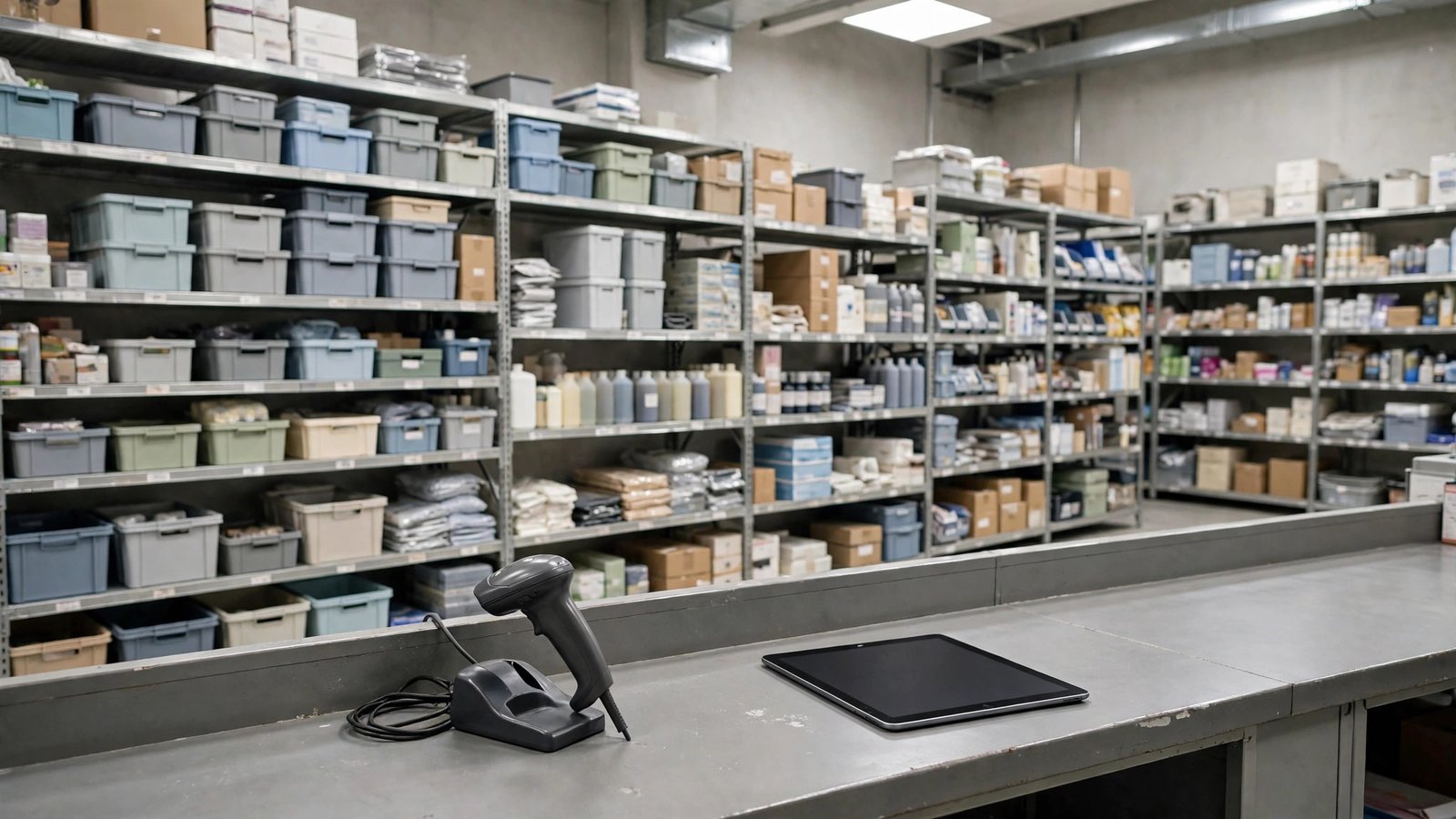
Ask a small retailer or wholesaler how much stock they own, and you will often get a shrug, a guess, or a walk to the back room. That uncertainty is expensive: it hides cash tied up in slow-moving products, causes lost sales when popular items run out, and turns year-end counting into an all-hands emergency. Inventory management software for small businesses replaces the guesswork with a live, trustworthy count of everything you sell.
This guide covers what the software does, the features that separate genuinely useful tools from digital spreadsheets, and how to roll one out without disrupting your business. If your stock is inseparable from your sales documents, our guide to invoice and inventory software is the natural companion read.
What Inventory Management Software Does
At its core, the software is a single record of every product, how many you have, where they are, and what they cost. Every sale, delivery, return, and adjustment updates that record immediately, so the number you see is the number you can act on.
Day to day, a good system handles:
- Real-time stock levels across a store, warehouse, or several locations
- Reorder points and low-stock alerts, so purchasing happens before shelves empty
- Purchase orders raised from those alerts and matched against deliveries
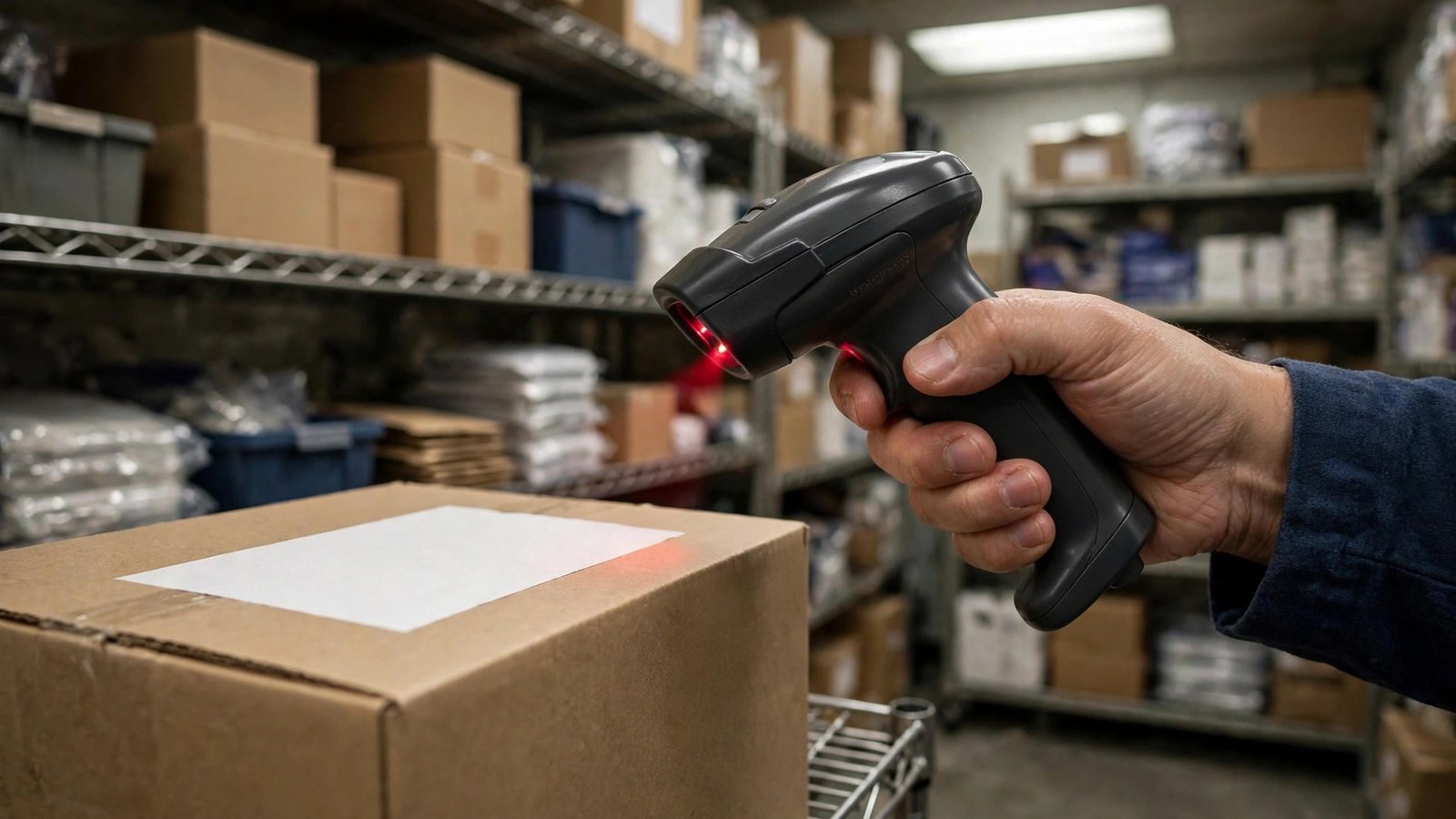
- Barcode scanning for fast receiving, counting, and selling
- Product information — SKUs, variants, suppliers, costs, and prices in one place
- Reports on best sellers, dead stock, stock value, and shrinkage
Keeping a workable amount of inventory is a balancing act: too much traps your cash, too little loses sales. Software does not make that judgment for you, but it gives you the accurate, current numbers the judgment depends on.
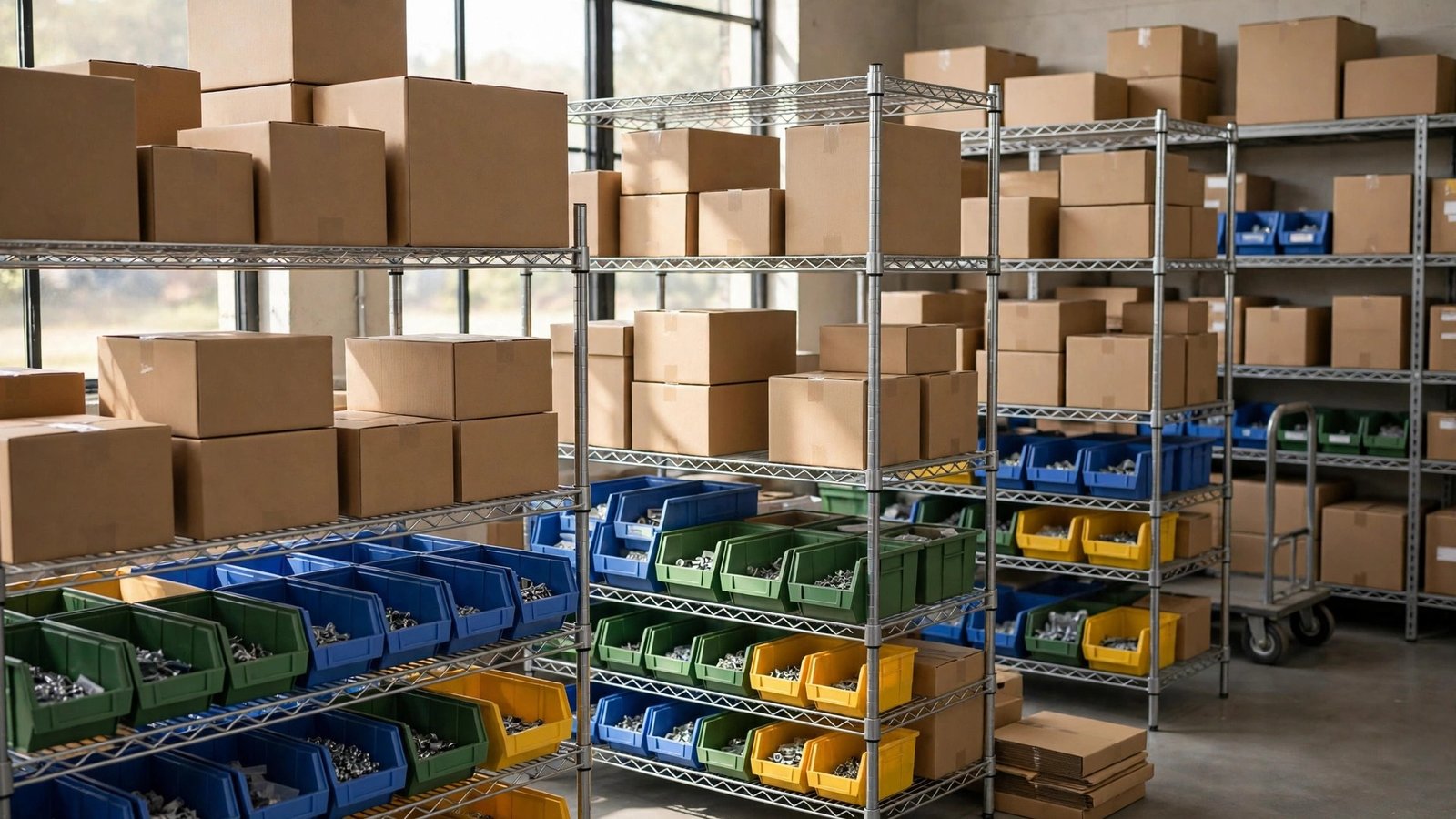
Features That Matter Most at Small-Business Scale
Enterprise systems boast thousands of features most small firms will never open. Focus instead on the ones that change your week:
Reorder points that reflect reality. Set a minimum level per product based on how fast it sells and how long your supplier takes to deliver. The right level for a two-day seller differs completely from a two-week one, and the software should let each product have its own.
Pain-free stock counts. Cycle counting — counting a few shelves every week instead of everything once a year — only works if scanning a shelf is fast and discrepancies are easy to adjust with a reason attached.
Multi-channel sync. If you sell in a store and online, both channels must draw from the same count, or overselling is guaranteed. This is the single most valuable feature for many growing sellers.
Sensible permissions. Staff should be able to sell and receive stock without being able to quietly adjust quantities or edit costs.
Accounting connection. Purchases and sales should flow into your books without retyping, which is why many businesses run inventory inside their broader software for business management rather than as an isolated tool.
Stock Control Software for Small Business: Finding Your Level
The older term stock control software for small business describes the same goal at a more modest scale, and for many firms that modest level is genuinely enough. A café tracking ingredients, a salon tracking retail products, or a repair shop tracking parts may need little more than accurate counts, reorder alerts, and a monthly value report.
Signs you have outgrown the basics and need a fuller system:
- You hold stock in more than one location and transfer between them
- You assemble or manufacture products from components
- Barcode-driven picking and packing is part of your daily shipping routine
- Your product catalog runs into the thousands of SKUs
- Stock-outs or overstock are measurably costing you money every month
Names worth knowing at the small-business level include inFlow and Sortly for approachable dedicated inventory, Zoho Inventory for value within a wider suite, Square for Retail for shops already using Square payments, and the inventory built into QuickBooks Online for businesses whose needs are straightforward. Automation around reordering and reporting is also where tools for automation for small business quietly save the most hours.

Rolling Out the Software Without the Chaos
Successful rollouts share one trait: they start with clean data. Before importing anything, standardize product names, assign real SKUs, and remove duplicates and dead items from your list. Importing a mess just gives you a faster mess.
Then count everything once, physically, and enter those counts as your opening balances — ideally at a quiet moment like a weekend or a new month. Connect the point-of-sale or invoicing system next, train the team on receiving and returns (the two moments where counts usually break), and run the old spreadsheet in parallel for two weeks as a safety net. After the first month, review the discrepancy reports and fix the process leaks they reveal.
Reading Your Inventory Reports Like an Owner
The software’s reports are where the return on investment hides. Four deserve a standing appointment in your calendar:
Best sellers and sell-through. A product that sells out every month may be under-ordered rather than successful — you never learn what demand you turned away. Sell-through rates (units sold versus units stocked over a period) reveal which items deserve more shelf space and bigger orders.
Dead stock. Anything unsold for a season is cash wearing a costume. The report’s job is to force a decision: mark it down, bundle it with a popular item, return it to the supplier if terms allow, or donate it and take the write-off. Any decision beats another quarter of pretending it is an asset.
Days of stock on hand. Dividing current stock by average daily sales gives a plain-English forecast: “nineteen days of mugs.” Compare it with supplier lead times and your cash position, and reordering becomes a calculation instead of a hunch.
Shrinkage and adjustments. The gap between what the system expects and what counts find is a management report in itself. A sudden rise points to receiving errors, theft, or a process leak at the register — each with a different fix, and none discoverable without the numbers.
Review these monthly, act on one finding each time, and inventory stops being a warehouse topic and becomes what it should be: a lever on profit.
Mistakes That Undermine Inventory Software
The biggest mistake is buying software and skipping the discipline: counts only stay accurate if every movement of stock goes through the system. Side deals, informal loans of stock, and unlabeled returns quietly corrupt the data until nobody trusts it — and unused software follows quickly.
Also watch for setting reorder points once and never revisiting them as products rise and fade, granting every employee full editing rights, and ignoring dead-stock reports while cash sits on the shelf in the shape of products nobody wants.
Taking Stock Control on the Road: Mobile and Multi-Site Access
Modern inventory work rarely happens at a desk. Receiving happens at a loading door, counts happen in aisles, and the owner checks stock from a supplier’s parking lot before placing an order. Cloud-based inventory tools now put the full stock picture on a phone: scan barcodes with the camera, look up an item’s quantity at every location, approve a purchase order, and see the low-stock list over morning coffee.
This mobility changes behavior in ways that quietly protect your margins. A salesperson who can check real availability before promising a delivery date stops creating disappointed customers. A manager who can see that a sister store holds surplus of a scarce item arranges a transfer instead of an emergency purchase. Even the humble act of photographing a damaged delivery and attaching it to the receiving record settles supplier disputes in one email instead of five.
If any of that sounds like your week, weigh mobile access heavily when comparing systems — ask for the app during your trial and test it in the aisle, not the office. Software that staff enjoy using on the floor is software whose data stays current, and current data is the entire point.

Frequently Asked Questions
How much does inventory management software cost for a small business?
Entry-level tools are typically priced like a modest monthly subscription per location or user, with free tiers for very small catalogs. Dedicated mid-range systems cost more but add multi-location and barcode workflows. Compare the fee against the cost of a single stock-out on a best seller — the software usually wins that math quickly.
Can I use a spreadsheet instead of inventory software?
For a dozen products and one location, yes, carefully. Beyond that, spreadsheets fail silently: no alerts, no simultaneous users without conflicts, and no automatic updates when a sale happens. The moment stock questions start costing you sales, dedicated software earns its place.
Does inventory software work with barcode scanners?
Yes, most support USB and Bluetooth scanners, and many offer phone-camera scanning in their apps. Scanning at receiving and at sale time is the single biggest accuracy upgrade for most businesses.
What is a reorder point, and how do I set one?
It is the stock level that triggers a purchase order. A practical formula: average daily sales multiplied by supplier lead time in days, plus a safety buffer for busy periods. Your software can suggest levels from sales history once it has a few months of data.
Will inventory software help with taxes?
It produces the year-end stock valuation your accountant needs for cost of goods sold, and it keeps purchase records organized. The software does not file anything itself, but it turns the inventory portion of tax preparation from archaeology into a report.
Conclusion
You cannot manage what you cannot count. Inventory management software for small businesses gives you a live, honest picture of your stock, warns you before best sellers run out, and shows you where cash is sleeping on slow shelves. Start with clean product data, one accurate count, and consistent habits — the software will handle the rest.
