
Ask ten people to name the types of softwares and you will hear ten different lists — apps, games, Windows, antivirus, browsers. They are all naming real software, but they are mixing up categories. Software is classified by what it does: some programs run the computer itself, while others help you perform tasks on top of it.
This guide organizes the whole landscape into a structure that actually sticks: the two main types, the wider categories inside them, how programs differ from apps, and the kinds of software you use every day — with examples for each.
What Are the Two Main Types of Software?
At the highest level, nearly every classification starts with the same split. The two main types of software are system software and application software.
- System software runs the computer. It manages the hardware, starts the machine, and provides the platform everything else needs. The operating system — Windows, macOS, Linux, Android — is the star example.
- Application software does tasks for the user. Word processors, browsers, games, and accounting programs all live here. Applications cannot run without system software underneath them.
Everything else you will read in this article — utilities, drivers, programming tools — is either a subtype of these two or a supporting layer between them. When a student asks what are the two main types of software on an exam, this is the answer expected.
What Are the Two Types of Software, Compared Side by Side?
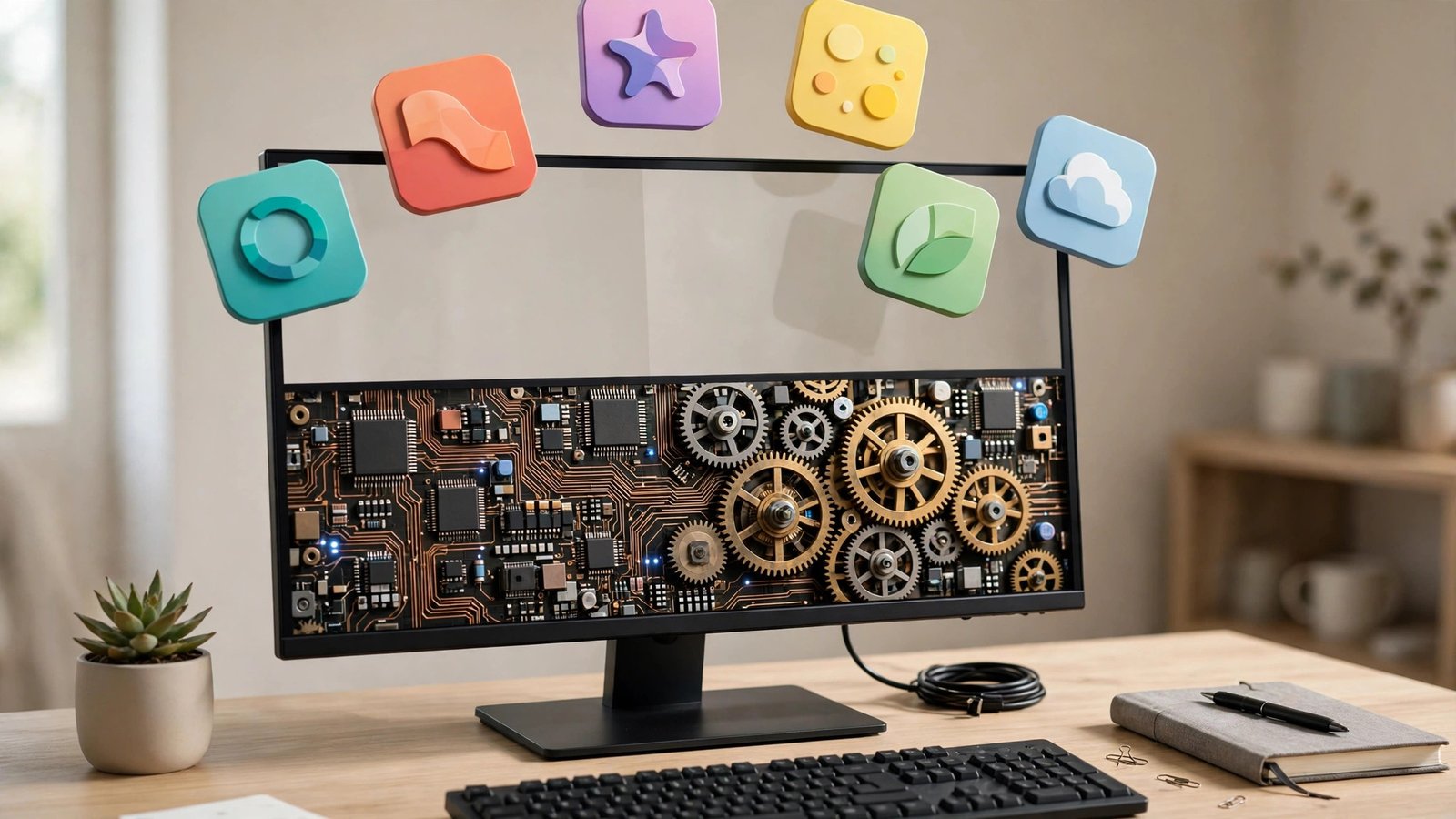
Since the two types work as a team, comparing them directly clears up most confusion:
- Purpose: system software serves the machine; application software serves the person.
- Examples: an operating system and device drivers versus a spreadsheet and a photo editor.
- User contact: you interact with applications constantly, but with system software mostly through settings screens — if at all.
- When it runs: system software starts at boot and never really stops; applications start when you open them and end when you close them.
- What breaks without it: no system software means no working computer at all; missing an application just means one task cannot be done.
Our dedicated comparison of the difference between system software and application software goes through this pairing with a full table and edge cases like firmware and middleware.
The Main Categories of Software Are Broader Than Two
Teachers often say the main categories of software are two — but professionals usually work with four or five, because a few important families do not fit neatly into the basic split:
- System software — operating systems, device drivers, firmware, and language translators that keep hardware usable.
- Application software — the task-focused programs described above.
- Utility software — small tools that maintain, protect, and optimize the system: antivirus, backup, disk cleanup. Some textbooks file utilities under system software; others give them their own category.
- Programming software — the tools developers use to write software: code editors, compilers, debuggers, and IDEs such as Visual Studio Code.
- Middleware — software that glues other software together, common in business systems where an app must talk to a database or another service.
Knowing these categories makes store shelves, job ads, and IT conversations much easier to follow. The Wikipedia article on system software covers the machine-side categories in greater depth.
Different Software Programs You Use Every Day
Abstract categories land better with concrete names. Here are different software programs sorted into their categories:
- System: Windows 11, macOS, Android, Linux, BIOS/UEFI firmware
- Application: Microsoft Word, Google Chrome, Spotify, Adobe Photoshop, Zoom
- Utility: Windows Defender, CCleaner, WinRAR, Time Machine backups
- Programming: Visual Studio Code, Git, Python interpreter, Android Studio
- Middleware: database connectors and API gateways inside business systems
Notice that a single brand can span categories. Microsoft makes an operating system (system), Office apps (application), and developer tools (programming) — the category depends on the program’s job, not its maker.
Types of Programs: Program, App, or Application?
The vocabulary adds one more wrinkle. The types of programs people name — program, app, application — mostly describe size and setting, not different technology:
- Program is the generic word for any set of instructions a computer executes, from a tiny script to a giant operating system.
- Application traditionally means a substantial program for end users on a computer, like a spreadsheet or design suite. Our guide to what application software is explores this family fully.
- App became the everyday word thanks to phones: small, focused applications installed from an app store. Desktop software has adopted the label too.
Under the hood, all three are software. The labels tell you more about marketing and era than about how they work.
Software Kinds by License: Free, Paid, and Open
Another useful way to sort software kinds is by how you are allowed to use them:
- Proprietary (commercial) software — sold or subscribed, source code kept secret: Microsoft Office, Adobe Photoshop.
- Open-source software — free to use, study, and modify, with public source code: Linux, Firefox, LibreOffice.
- Freeware — free to use but closed-source: many phone apps and utilities.
- Shareware — free to try for a period or with limits, then payment is requested.
- SaaS (software as a service) — accessed online by subscription rather than owned: Google Workspace, Salesforce.
Licensing affects cost, support, and what you may legally do with the program — worth checking before any business depends on a tool.
A fourth sorting, by delivery, is increasingly useful too. Installed software lives on your device and works offline; web-based software runs in a browser and stores data online; mobile apps are installed but update invisibly through an app store. The same product often exists in all three forms — an email service, for instance, offers a website, a desktop program, and a phone app that all read the same mailbox. When someone asks “which version do you use?”, delivery is the classification they mean.
Common Computer Software in a Typical Home
If you listed the common computer software on an average family PC, it would look like this:
- An operating system (usually Windows or macOS)
- A web browser (Chrome, Edge, Firefox, or Safari)
- An office suite for documents and spreadsheets
- A media player and a photo viewer
- Antivirus/security software
- A PDF reader
- Video-calling and messaging apps
- A backup or cloud-sync tool (OneDrive, Google Drive, iCloud)
That short list quietly spans every main category — a useful reminder that the classifications are not academic; they describe the machine in front of you. For more examples of the machine-running layer, see how system software works in a computer.
Types of App Software on Your Phone
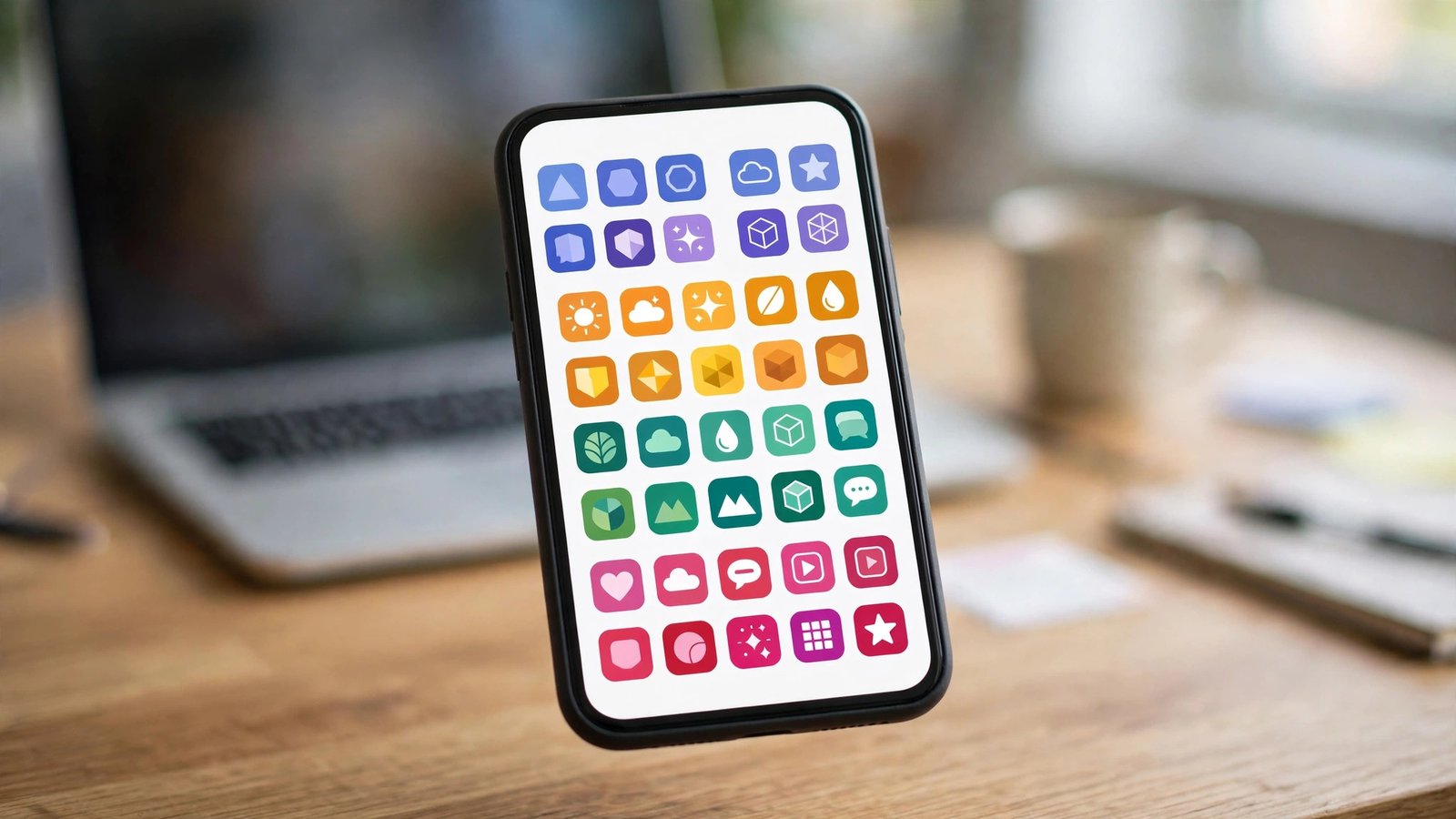
Finally, the types of app software on phones and tablets sort neatly by job:
- Productivity apps — notes, calendars, to-do lists, documents
- Communication apps — messaging, email, video calls
- Entertainment apps — streaming video and music, games, e-books
- Social apps — social networks and community platforms
- Finance apps — banking, budgets, payment services
- Health apps — fitness tracking, meditation, sleep
- Utility apps — file managers, scanners, weather, calculators
App stores use almost exactly these buckets, which is why browsing them feels intuitive even to a first-time smartphone owner.
One Worked Example: Sorting a Real Computer
Watch the system work on a typical student’s laptop. Windows 11 is system software — it boots the machine and runs everything else. The laptop maker’s driver pack is system software too, quietly translating for the touchpad and graphics chip. Microsoft Word and Chrome are application software: homework and research happen there. The built-in antivirus and backup tool are utilities, maintaining the system in the background. When the student experiments with Python for a class project, the Python interpreter and code editor count as programming software. Five programs opened in one evening, four categories among them — and now you can name each one correctly.
Tips for Keeping Your Software Collection Organized
- Audit twice a year. List what is installed; remove anything you do not recognize or no longer use.
- Keep one tool per job. Three half-used note apps create more confusion than one good one.
- Note the category when troubleshooting. Knowing whether a problem sits in an app, a utility, or the OS tells you where to look first.
- Track licenses for paid software in a simple spreadsheet — renewal surprises are avoidable.
Frequently Asked Questions
What are the 3 main types of software?
Most textbooks name system software, application software, and programming software. Some split utilities out of system software to make four. The two-type model (system + application) is the foundation all of these build on.
Is an operating system system software or application software?
System software. The operating system manages hardware and provides the platform that applications run on, which is the defining job of the system category.
Is a game application software?
Yes. Games are applications built for a user task — entertainment. They rely on the operating system and drivers like any other app, even though graphically intense games push hardware harder than most.
What type of software is antivirus?
Antivirus is utility software — it maintains and protects the system rather than performing a user task or running the machine. Some classifications group utilities under system software.
What is the difference between software and a program?
“Software” is the collective term for all programs and their associated data. A “program” is one individual set of instructions. Every program is software; software as a whole is much bigger than any single program.
Conclusion
The types of softwares sort cleanly once you ask one question: what job does this program do? If it runs the machine, it is system software; if it helps a person, it is application software; around those two sit utilities, programming tools, and middleware. Add licensing — free, paid, open-source — and you can classify anything on your phone or PC in seconds, and make smarter choices about what to install, keep, and remove.
