
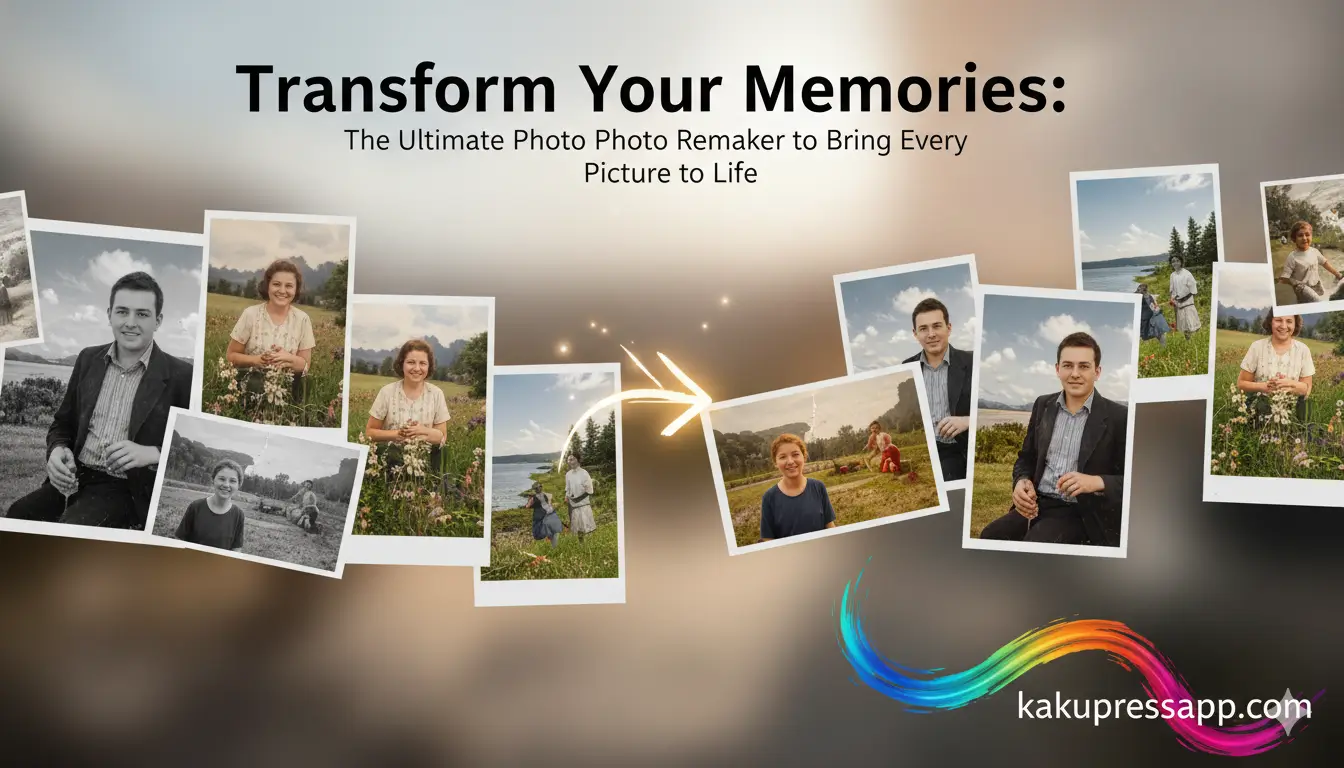
Welcome to kaku press app. Photographs preserve the most meaningful parts of our lives. Each image holds a special moment, a personal story, and emotions that can remain valuable for years. However, not every photograph stays in perfect condition. Poor lighting, low image quality, damage, or the effects of age can cause treasured memories to look dull, faded, or unclear. A Photo Remaker offers a practical way to transform these images by improving important details and restoring their appearance while preserving the original emotional meaning. This advanced technology helps people recreate, enhance, and restore photographs through a process that is both accessible and capable of producing professional-looking results.
“A Photo Remaker turns ordinary photographs into remarkable visual memories while preserving the emotions within every detail.”
Understanding the Concept of a Photo Remaker
A Photo Remaker is an advanced software tool that uses artificial intelligence, machine learning, and digital image processing to enhance, restore, or creatively adjust photographs. Unlike traditional photo editing programs that often require considerable manual work and technical skills, Photo Remakers make the editing experience easier while helping users achieve polished, professional-quality results.
The main purpose of a Photo Remaker is to examine an image, recognize areas that need improvement, and automatically make suitable adjustments. These improvements can include sharpening fine details, balancing colors, increasing image resolution, removing unwanted objects, and repairing damaged parts of old photographs. As a result, the finished image can look clearer and more attractive while still remaining connected to the original memory and story it represents.
“The goal of a Photo Remaker is not simply to enhance photographs but also to protect the emotions and stories connected to each meaningful image.”
The Technology Behind Photo Remakers
Modern Photo Remakers combine several advanced technologies to produce accurate and natural-looking results:
- Artificial Intelligence
Artificial intelligence algorithms analyze photographs to recognize faces, objects, textures, and background elements. This makes it possible to apply automatic enhancements and detailed edits with minimal manual effort. - Deep Learning Models
Deep learning models are trained on vast collections of images, helping them learn how to upscale photographs, improve textures, recover visual details, and maintain a natural color balance. - Neural Networks
Neural networks can identify patterns and reconstruct missing, blurred, or damaged areas of photographs, helping create a more complete and higher-quality final image. - Automation and User-Friendly Tools
Photo Remakers often offer straightforward interfaces and one-click editing features, making advanced image enhancement accessible even to people without professional editing experience.
“By combining artificial intelligence, deep learning, and automated image processing, Photo Remakers can produce results that are detailed, realistic, and emotionally meaningful.”
Read Also: Tek Towers Photos
Key Features of a Modern Photo Remaker
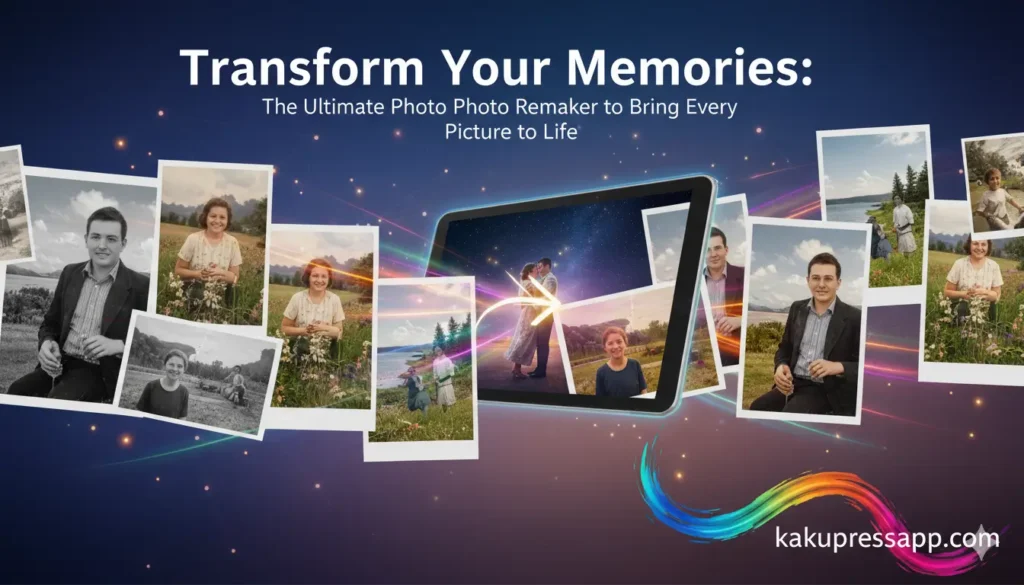
A high-quality Photo Remaker provides a wide range of features to meet different requirements, from improving personal photographs to handling professional image-editing tasks.
Image Enhancement and Resolution Upscaling
One of the key functions of a Photo Remaker is improving overall image quality. Blurry, low-resolution photos, scanned pictures, and images with poor lighting can be enhanced into clearer, high-definition visuals.
- Sharpen important details in portraits and landscapes.
- Correct uneven colors and inconsistent lighting
- Maintain natural textures and realistic tones without making images look artificial
Background Removal and Replacement
Photo Remakers can separate subjects from their original backgrounds, helping users produce cleaner and more professional-looking images. This function is valuable for marketing materials, social media posts, product visuals, and creative projects.
- Remove unwanted backgrounds with greater precision.
- Replace backgrounds for creative or professional needs
- Support transparent backgrounds for greater design flexibility
Restoration of Old and Damaged Photographs
Many Photo Remakers can restore photographs that have become damaged or faded with age. Scratches, tears, discoloration, and faded areas can be repaired to help preserve important memories.
- Recreate missing details intelligently.
- Restore realistic colors and natural tones.
- Remove visible imperfections from scanned photographs.
Creative Editing and Filters
Photo Remakers provide a variety of creative tools that let users change the style of images, add artistic effects, and adjust their overall lighting and appearance.
- Apply professional-quality filters and color adjustments.
- Improve facial features and reduce visible blemishes
- Remove or replace objects for greater creative control
“Photo Remakers turn ordinary images into creative works by bringing advanced technology and artistic expression together.”
Video and Animation Integration
Some advanced Photo Remakers also include video and animation capabilities, enabling users to turn static photographs into engaging and dynamic visual content.
- Transform photographs into a short video.s
- Add motion effects and movement to still images
- Enhance video quality frame by frame for more polished results
Advantages of Using a Photo Remaker
Using a Photo Remaker offers several practical and emotional benefits. These tools reduce editing time, make complex tasks easier, and can increase the emotional value of meaningful photographs.
Time Efficiency
Traditional image editing may require hours or even several days. Photo Remakers automate many complicated processes, allowing users to produce polished results within minutes.
Accessibility and Ease of Use
Photo Remakers are generally built with simple and intuitive interfaces. Even beginners without previous editing experience can access advanced tools through guided workflows and one-click enhancement features.
Professional Results
The technology behind Photo Remakers helps images look refined, clear, and high-quality. Whether the photographs are intended for personal projects or commercial use, these tools can provide consistent results.
Emotional Preservation
Restoring and enhancing photographs gives people an opportunity to reconnect with meaningful memories. Old family pictures, travel photographs, and important moments can become clearer, more vivid, and emotionally engaging.
“A Photo Remaker helps preserve memories through improved clarity, detail, and emotional value, allowing every photograph to remain meaningful.”
Practical Applications of Photo Remakers
Photo Remakers can be used in many areas, including personal photography, content production, professional image editing, and business marketing.
Personal and Family Use
- Restore aging family photographs
- Improve photographs from vacations or memorable events
- Create digital albums, memory books, or personalized gifts
Social Media and Digital Content
- Create eye-catching visuals for social media platforms
- Improve branding images for influencers and content creators
- Develop marketing and promotional graphics with less effort
Professional Photography
- Retouch portraits, wedding, and event photographs
- Prepare images for portfolios or client presentations
- Professionally restore old or damaged photographs provided by clients
Business and Marketing Applications
- Enhance product photographs for e-commerce stores and online catalogs
- Create promotional visuals for advertisements and marketing campaigns
- Strengthen visual storytelling for corporate branding
“Photo Remakers are changing how individuals and businesses create, present, and preserve visual content, helping every image become more engaging and memorable.”
Choosing the Right Photo Remaker
Choosing the right Photo Remaker depends on your specific needs. Different tools can vary in features, processing quality, performance, and ease of use.
| Feature | Basic Tools | Advanced Tools | AI-Powered Platforms |
| Resolution Enhancement | Moderate | High | Exceptional |
| Background Removal | Limited | Available | Highly Accurate |
| Restoration of Old Photographs | Minimal | Good | Excellent |
| Creative Filters | Few | Multiple | Extensive |
| Ease of Use | Simple | Moderate | Beginner-Friendly |
| Video and Animation Support | None | Some | Advanced |
“Selecting a suitable Photo Remaker helps you reach the quality you need, whether your goal is restoration, image enhancement, or creative transformation.”
Step-by-Step Guide to Using a Photo Remaker
- Upload Your Image
Start by uploading the photograph you want to enhance or restore. Check that the image file type is supported by the selected tool. - Select Desired Functionality
Choose the task you need, such as enhancement, restoration, background removal, or creative editing. - Apply AI Enhancements
Use the available automated AI features to improve image clarity, details, colors, and resolution. - Manual Adjustments
Adjust brightness, contrast, saturation, and other settings manually to refine the final appearance. - Save and Share
Save the enhanced image in a high-resolution format, then share it online, print it, or store it safely for future use.
“Using a structured workflow helps you get the most from a Photo Remaker while producing cleaner and more effective results.”
Tips for Optimal Results
- Start with high-quality original images whenever possible
- Test different filters, adjustments, and creative tools
- Avoid excessive editing to preserve a realistic appearance
- Create backups of original photographs before making changes
- Use batch processing when working with several images
Common Mistakes to Avoid
- Disregarding the original colors and natural tones
- Depending too heavily on automatic filters without making manual corrections
- Removing backgrounds excessively without cleaning and refining subject edges
- Overlooking composition, framing, and proper cropping
“Knowing both the strengths and limitations of a Photo Remaker is important for creating results that look professional, balanced, and natural.”
The Future of Photo Remaking
The future of Photo Remakers looks promising as continued technological developments expand their creative and practical capabilities:
- Real-time improvements for videos and photographs
- Automatic creation of stories or slideshows from collections of photographs
- Integration with augmented reality to create more immersive visual experiences
- Collaborative platforms that allow groups to work together on creative projects
“Future Photo Remakers are expected to bring artificial intelligence and creativity closer together, making visual storytelling easier, more engaging, and more accessible.”
Frequently Asked Questions
What is the primary advantage of a Photo Remaker?
A Photo Remaker enables users to enhance, restore, and creatively transform photographs efficiently while preserving emotional value.
Can old or damaged photographs be restored with a Photo Remaker?
Yes. Advanced Photo Remakers can reconstruct missing details, correct fading, and remove scratches or blemishes.
Are Photo Remakers suitable for professional photography?
Absolutely. They are used for client work, portfolio preparation, and high-quality photo restoration.
Do I need technical knowledge to use a Photo Remaker?
No. Modern Photo Remakers are designed for simplicity, with guided workflows and AI-powered enhancements.
Can videos be enhanced using Photo Remakers?
Some advanced platforms support video enhancement and animation, converting still images into dynamic visuals.
Conclusion
A Photo Remaker is an indispensable tool for anyone who wishes to preserve, enhance, and creatively transform photographs. By leveraging artificial intelligence, deep learning, and advanced neural networks, Photo Remakers restore old images, enhance quality, and provide artistic modifications that meet professional standards. From personal memories to social media content, business promotions, and professional photography, the applications of Photo Remakers are extensive. These tools make photo enhancement accessible to everyone, ensuring that every memory captured is immortalized with clarity, vibrancy, and emotional resonance. By selecting the right Photo Remaker and following best practices, users can transform ordinary photographs into extraordinary keepsakes that tell meaningful stories for generations.
